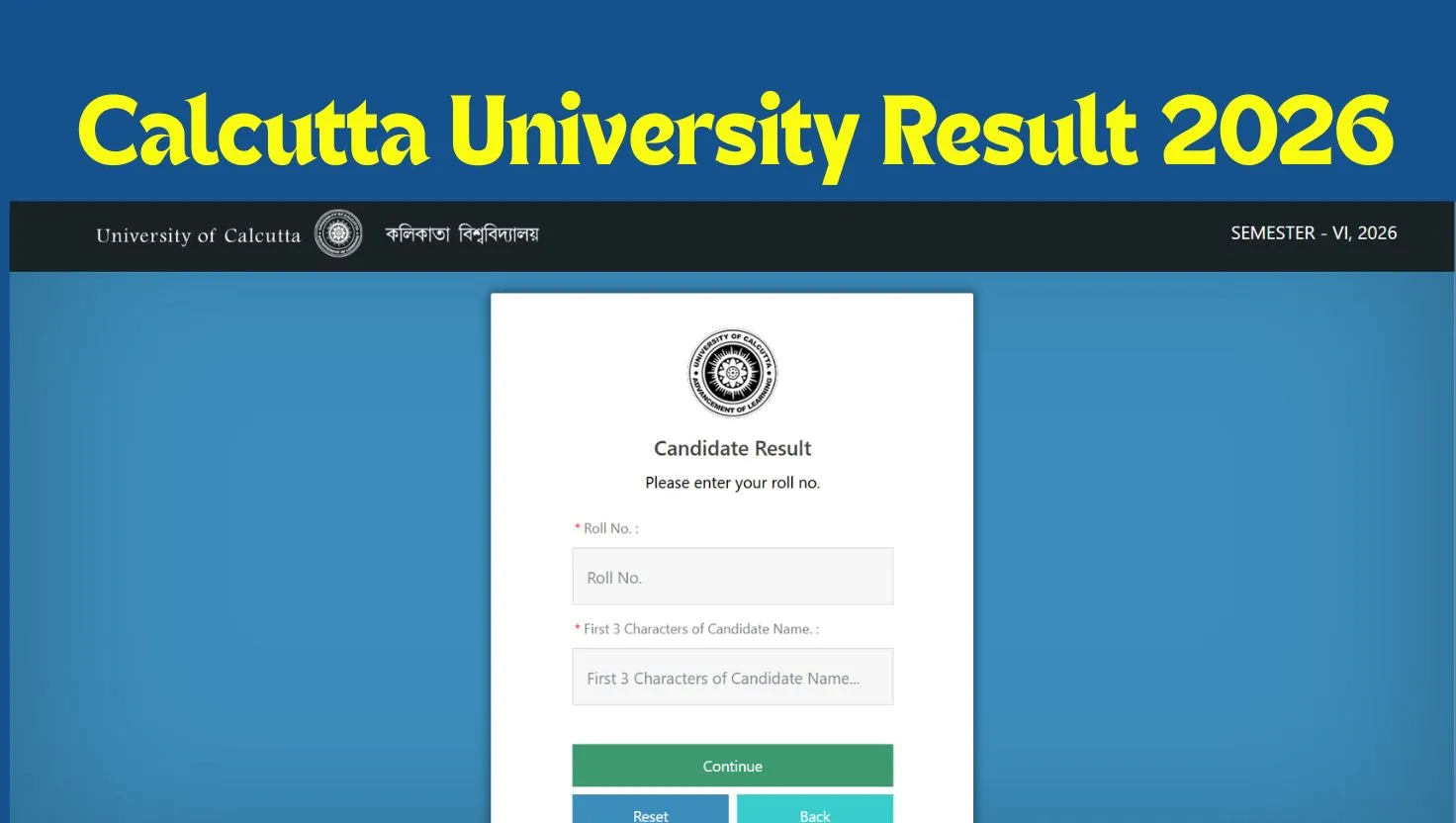
Calcutta University Result 2026: The Calcutta University (CU) has declared the results for the UG examination of BA & BSc level courses for the 6th semester on the university’s website, cueexam.net on 07 August 2026. The university has published a public notice on 05 August 2025 which mentions that the BS/ BSc 6th semester result will be published on 07 August and the students will be able to check their result from 02:00 pm onwards. Students will require their roll number to check the result.
Calcutta University Result 2026 Download Link
Calcutta University has released the results for the BA and BSc 6th Semester on 07 August 2026 as per the notice published by the university on its official website at caluniv.ac.in. The students can check their result through the direct link provided here.
|
Calcutta University BA/BSc 6th Sem Result 2026
|
Official Websites to Check Calcutta University Result 2026
As per the notice published by the Calcutta University regarding the result date, the students can check their BA/ BSc 6th semester results through either of the following websites:
-
www.indiaresults.com [West Bengal, Home Page, University of Calcutta, BA/BSc Semester-VI Examinations,2026 (CCF/CBCS) .
www.cuexam.net [College portal (CCF),BA/BSc Semester-VI Examinations,2026 (CCF/CBCS)]
www.cuexam.net [College portal (CBCS), BA/BSc Semester-VI Examinations,2026 (CCF/CBCS)]
www.cuexamwindow.in [College portal (CCF), BA/BSc Semester-VI Examinations,2026 (CCF/CBCS)]
www.cuexamwindow.in [College portal (CBCS), BA/BSc Semester-VI Examinations,2026 (CCF/CBCS)]
How to Check Calcutta University BA/BSc 6th Sem Result 2026
To check the Calcutta University BA/BSc 6th semester result, the students can follow the steps given below:
-
Visit the official websites mentioned in the notice such as www.cuexam.net or www.cuexamwindow.in.
-
On the homepage, click on the CCF link.
-
Click on BA/BSc.
-
Click on Semester-VI.
-
Then click on the Results tab.
-
Enter your roll number and first 3 characters of Candidate’s name.
-
Click on the Continue button.
-
Your result will be displayed on the screen.
-
Download it and save a copy for your records.