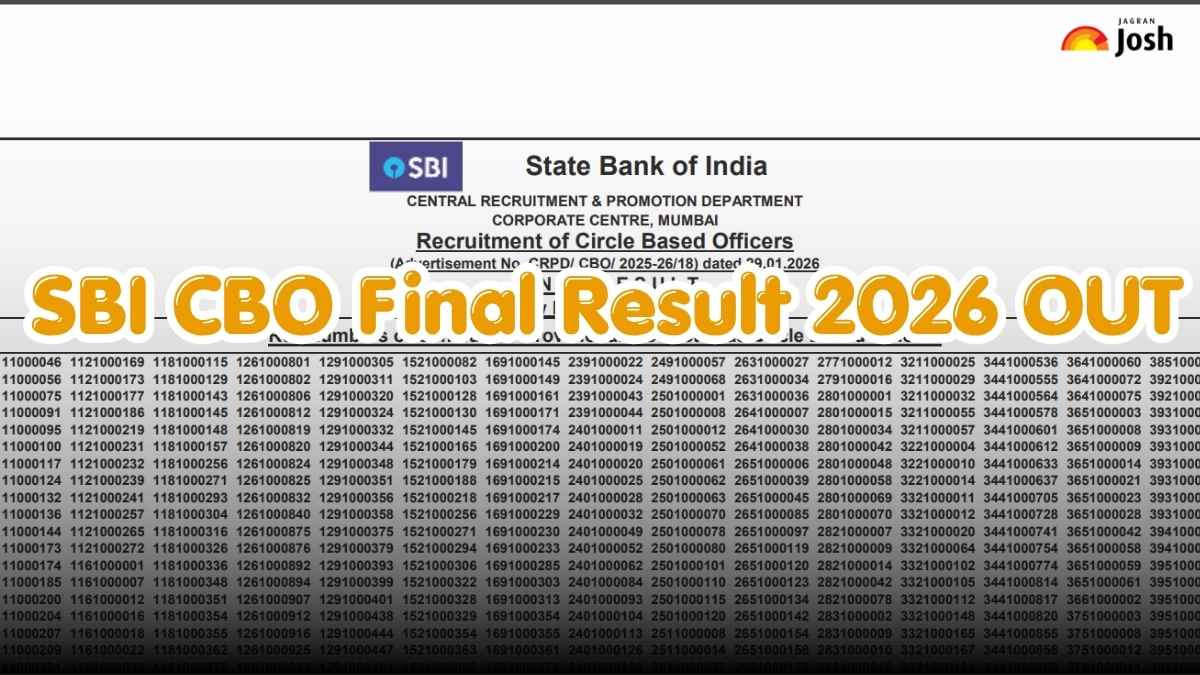
The State Bank of India, SBI, has officially announced the SBI CBO Final Result 2026 on July 24, 2026. Candidates who appeared for the selection process for this recruitment will now be able to check their qualifying status and download the final merit list directly from the official website at sbi.bank.in. Through this recruitment drive, the bank aimed to fill 2050 vacancies for the Circle-Based Officer posts across various circles in the country. The Interview for the SBI CBO was held on July 13, 2026. Candidates can check their qualifying status on the official website.
SBI CBO Final Result PDF 2026
Those candidates who were called for the interview for the State Bank of India Circle-Based Officer Exam 2026 on July 13, 2026, can now check their qualifying status on the official website. The result of the SBI CBO 2026 recruitment has been released in a PDF format, which includes only the roll numbers of the qualified candidates. Candidates can also download the official SBI CBO Result PDF from below:-
|
SBI CBO Final Result 2026
|
SBI CBO Final Result 2026 Key Highlights
Given below are the key highlights of the State Bank of India CBO Recruitment 2026 for 2050 vacancies across India:-
|
Features
|
Details
|
|
Conducting Body
|
State Bank of India
|
|
Post Name
|
Circle-Based Officer
|
|
Final Result Date
|
July 24, 2026
|
|
Exam Date
|
March 14, 2026
|
|
Interview Date
|
July 13, 2026
|
|
Official Website
|
The official website to check the results is sbi.bank.in
|
|
Total Number of Vacancies
|
2050
|
How to Download the SBI CBO Final Result PDF 2026?
Candidates can follow the simple steps given below to check the SBI CBO Final result 2026 on the official website of the bank:-
- Visit the official website of the SBI, i.e., sbi.bank.in
- Go to the careers page on the homescreen and click on it.
- Once the candidates are directed to the careers page of the State Bank of India, search for the notification related to the Recruitment of the Circle-Based Officer.
- Click on it, and the result PDF will be displayed on the screen.
- Use the Ctrl+F command to search for the roll number and download the PDF for future use.