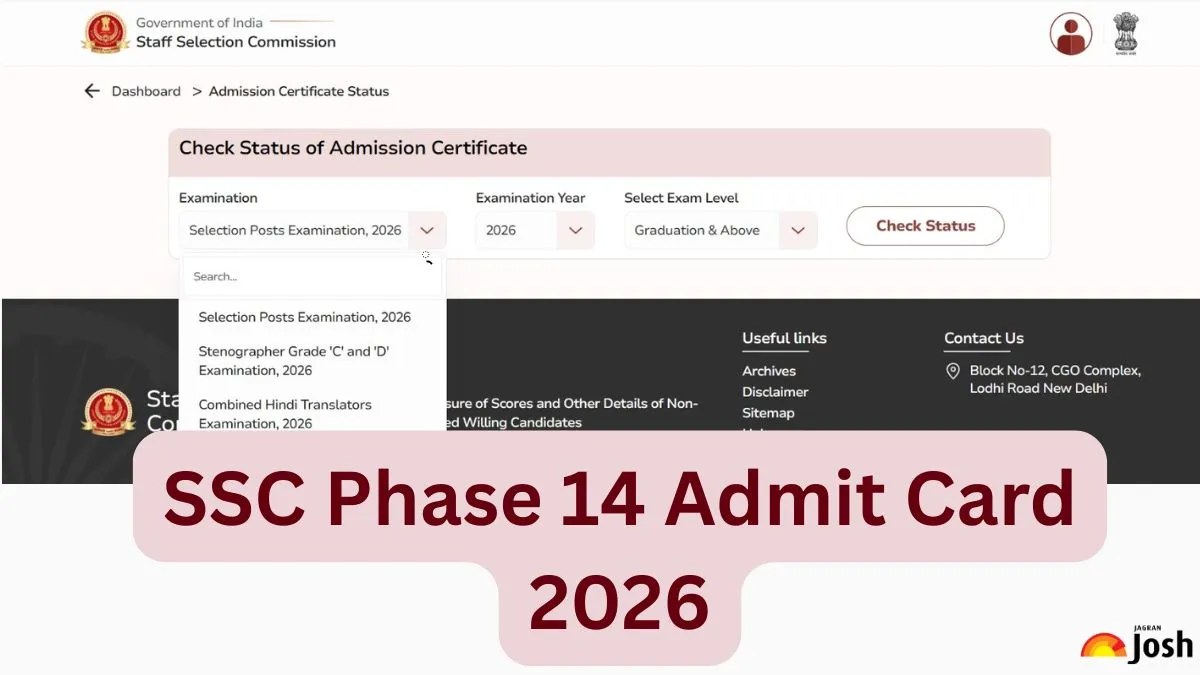
The Staff Selection Commission (SSC) has released the SSC Phase 14 Admit Card for the Computer-Based Test (CBT) exam. The SSC Phase 14 hall ticket has been released online on the official website of the bank: ssc.gov.in. The online exam is scheduled to be conducted from September 16 to 26 for Phase-XIV/2026/Selection Posts in various central government ministries and departments. All the candidates who are going to appear in the CBT can check and download their SSC Phase 14 admit cards using the direct link provided below. To download the SSC Phase 14 admit card PDF, students need to enter their application number, date of birth and security pin.
SSC Phase 14 Admit Card 2026 Download Link
SSC has released the SSC Phase 14 admit card on September 14, 2026. So, candidates are advised to go to the official website to download the SSC Phase 14 Admit Card. Here, we are also providing the direct link to download the admit card PDF. Candidates are advised to carry their admit card along with a valid photo identity proof to the examination centre.
|
SSC Phase 14 Admit Card 2026 Download Link
|
How to Download SSC Phase XIV 2026 Admit Card PDF?
The candidates need to follow the steps mentioned below to know how to download the SSC Phase 14 admit card 2026:
Step 1: Visit the official website of SSC- ssc.gov.in
Step 2: Click on the ‘Admit Card’ option given on the menu bar and click on the ‘Login’ option available there.
Step 3: Fill in all the details like Registration No, Password and security captcha and click on ‘Login’.
Step 4: A new page will open. Select exam, exam year and exam level and click on ‘Check Status’.
Step 5: The Admit Card will appear on the screen.
Step 6: Download and print the admit card PDF.
Details Mentioned on SSC Phase 14 Hall Ticket 2026
The SSC Phase 14 admit card 2026 will contain the candidate's personal information and examination details. The admit card will contain the following details of the candidates.
-
Name of the Candidate
Examination Name
Registration Number
Photograph and Signature of Candidate
Roll Number
Father Name
Examination Centre
Examination Date and Time
Gender
Problems in downloading the SSC Phase 14 2026 admit card
If any candidate faces any issues in downloading the SSC Phase 14 admit card 2026. He/She must do the following things before connecting with the exam conducting authority.
-
Close your Internet browser and try again.
-
Ensure you have a stable internet connection.
-
Use Mozilla Firefox and Google Chrome browsers to download the admit card.
-
Clear the history and cache and refresh the page.
What if a candidate forgot his login password?
If a candidate forgets his login details, he needs to follow the below-mentioned steps to reset the password:
Step 1: Click on “Forgot Password”.
Step 2: Enter the Username (Registration Number) and registered mobile number.
Step 3: Click on “SEND OTP”
Step 4: An OTP will be sent to the registered email address/mobile number of the candidate.
Step 5: Enter the OTP and reset the password.