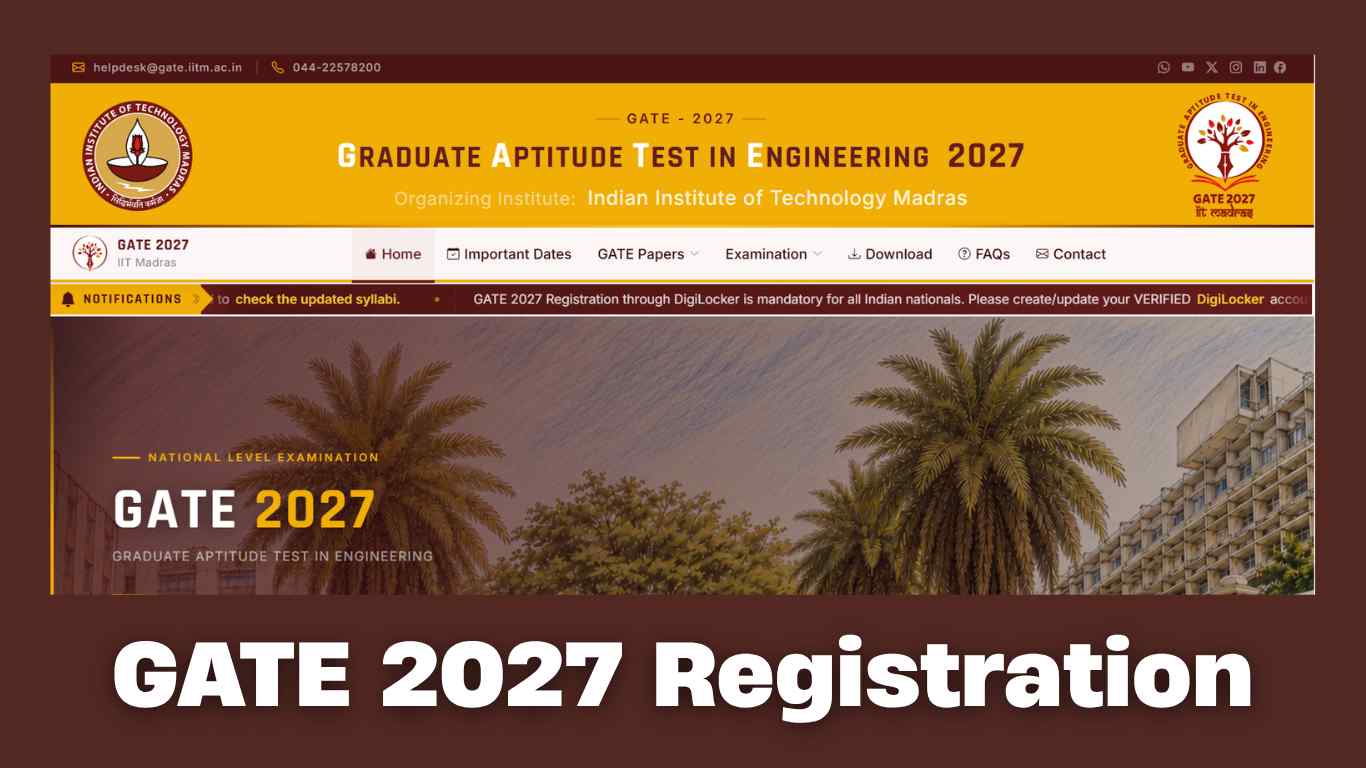
GATE 2027 Registration: IIT Madras is conducting the GATE 2027 exam, and registration is open till September 27, 2026. If candidates miss to fill out the application by this date, they can still register with a late fee until October 7 2026. Students who are in their third year or higher of college, or who have already finished an approved degree, can apply. The admit card release date will be announced later on the GATE official website, gate2027.iitm.ac.in. A helpful update allows students with unverified DigiLocker accounts to apply by choosing the default ID proof option.
Before filling out the form, make sure to read all instructions carefully. Candidates will need to upload a clear passport-size photo, signature, a valid ID card like an Aadhaar card, and category certificates if they apply to you. After registration ends, an application correction window will open, and the exams will take place in February 2027.
GATE 2027 Key Schedule
|
Event / Activity |
Important Dates |
|
Online Application Start Date |
Active Now |
|
Last Date to Apply (Regular Fee) |
September 26, 2026 |
|
Extended Closing Date (With Late Fee) |
October 7, 2026 |
|
Application Correction Window |
November 2026 |
|
GATE 2027 Admit Card Release |
January 2027 |
|
GATE 2027 Examination Dates |
February 6, 7, 13, 14, 20 and 21, 2027. |
Check: IIT Roorkee Convocation 2026: Day 1 Sees 1,277 Undergraduate Students Awarded Degrees
GATE 2027 Exam: Steps to Create DigiLocker Account
Applicants can check the steps mentioned below on how to create an account on DigiLocker.
- Visit to the official DigiLocker website.
- On the homepage, click on 'Sign Up' or 'Create Account' option.
- Once clicked on the option, enter the mobile number and verify it using OTP sent to the same number.
- Enter required details such as full name, date of birth, gender, email ID etc.
- Now set a 6 digit Security PIN
- Submit the registration form.
- The DigiLocker account will be created.
Guidelines & Eligibility Requirements
-
Candidates currently studying in the third year or higher year of any undergraduate degree program, or who have already completed any government-approved degree in Engineering, Technology, Architecture, Science, Commerce, or Arts, are eligible to apply.
Candidates are permitted to appear in either one or two test papers from the approved combination list. The primary paper must be selected first before adding a secondary paper.
Document Specifications:
- High-quality passport-size photograph with a white background.
- Clear scanned image of the candidate's signature.
- Scanned copy of Category (SC/ST) or PwD Certificate (if applicable) in PDF format.
- Valid Photo ID Proof (Aadhaar Card, Passport, PAN Card, Voter ID, or Driving License).