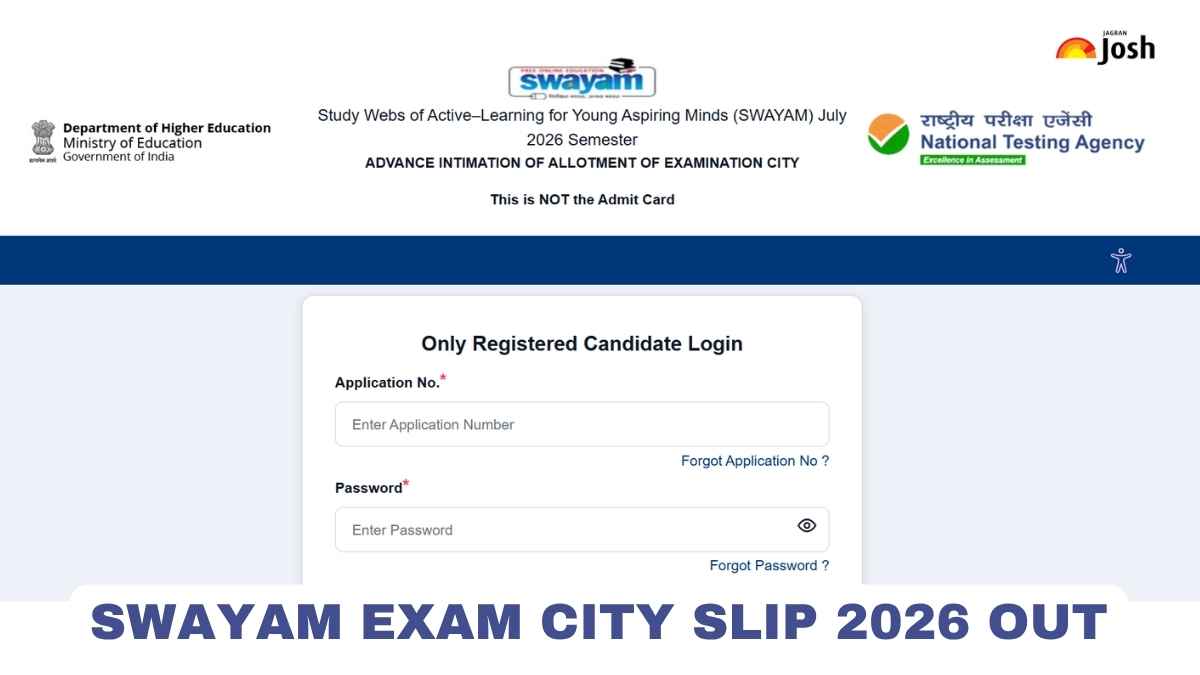
NTA SWAYAM City Intimation Slip 2026: The National Testing Agency (NTA) has released the City Intimation Slip for the SWAYAM July 2026 Semester examinations. Candidates who are appearing in the exams scheduled on 8, 9, 10, 11 and 12 December 2026 can now check their allotted examination city online. The slip can be downloaded from the official website, exams.nta.nic.in/swayam, using the login details. The city intimation slip only tells candidates the city of their exam centre. It is not the admit card. Students are advised to check the details carefully and plan their travel and stay in advance. The admit card will be released separately.
SWAYAM City Intimation Slip 2026 Highlights
Candidates can find all the information about NTA SWAYAM City Intimation Slip 2026 in the table given below:
|
Particulars |
Details |
|
Conducting Body |
National Testing Agency (NTA) |
|
Parent Ministry |
Ministry of Education, Government of India |
|
Exam Name |
SWAYAM July 2026 Semester Examination |
|
Advance City Intimation Slip |
Released(20 November 2026) |
|
Exam Dates |
8, 9, 10, 11, and 12 December 2026 |
|
Login Details Required |
Application Number / Email ID, Date of Birth / Password, and Security Pin / Captcha |
|
Official Websites |
SWAYAM City Intimation Slip 2026 Download Link
NTA has activated the link to check the exam city for the SWAYAM July 2026 Semester examinations. Candidates appearing in the exams on 8 to 12 December 2026 can open the link below and download their city intimation slip as a PDF. Keep your login details ready before you open the link.
|
NTA SWAYAM Exam City Slip 2026 |
How to Download NTA SWAYAM City Intimation Slip 2026?
Candidates can check their allotted exam city online in a few simple steps. Follow the steps given below to download the SWAYAM July 2026 Semester city intimation slip.
Step 1: Visit the official website of NTA SWAYAM at exams.nta.nic.in/swayam.
Step 2: On the homepage, click on the link "City Intimation Slip for SWAYAM July 2026 Semester".
Step 3: Enter your login details, such as application number and password or date of birth, as asked on the screen.
Step 4: Fill in the security pin or captcha and click on Submit.
Step 5: Your exam city details will appear on the screen.
Step 6: Check the details carefully, download the slip and take a printout for future reference.