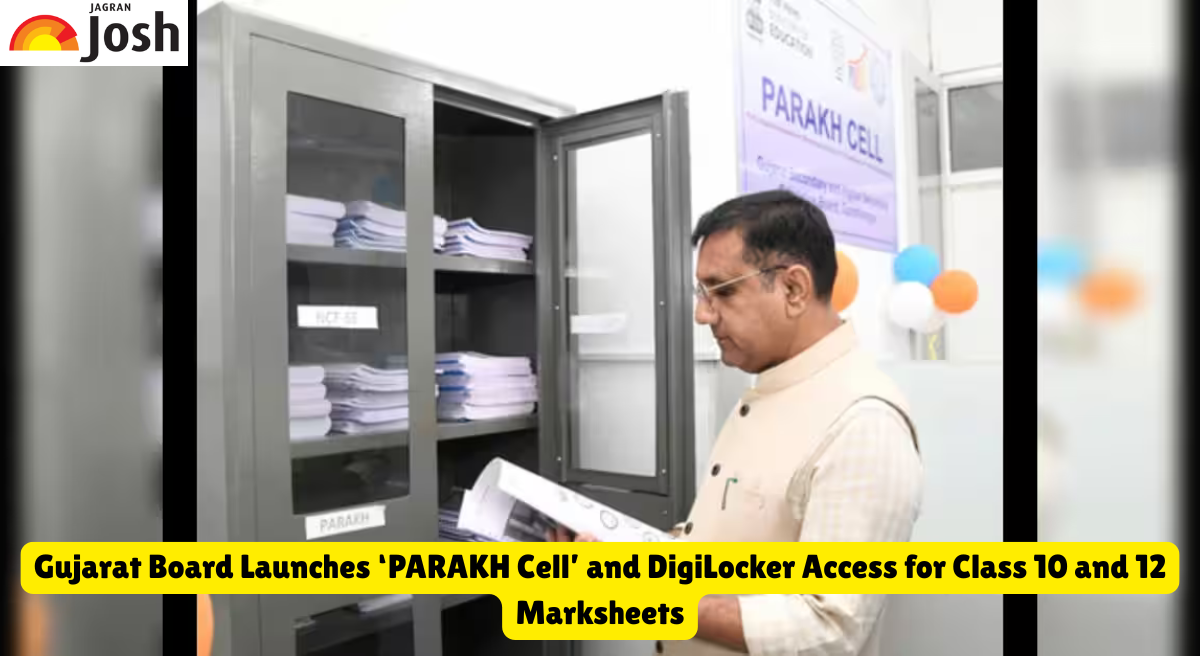
Gujarat Board PARAKH Cell: The state-level PARAKH Cell has been inaugurated at Gujarat State Secondary and Higher Secondary Education Board (GSEB) Headquarter's in Gandhinagar by Gujarat Education Minister Pradyuman Vaja. The PARAKH initiative is in line with NEP 2020 as it replaces rote-learning based exams with competency assessments. As per the performance assessment, review and analysis of knowledge for holistic development scheme of NCERT, the cell will prepare specific question papers, set up training for paper setters and facilitate the Holistic Progress Card (HPC) system as per requirements of the language and curriculum of Gujarat. Besides, the board has also launched a facility of DigiLocker by uploading almost one crore digital mark sheets of class 10 & 12 for 2021 to 2026.
In order to have transparency and stringent testing procedures, GSEB plans to adopt new assessment techniques including PARAKH ITMS. Those present at the launch included M.A. Pandya – Chairman of GSEB, Manubhai Pavra – Chairman of Textbook Board and R.R. Vyas – GSEB Secretary. In the coming future, all digital mark sheets for board exams would be uploaded in DigiLocker immediately on the declaration of results.
Gujarat Board Key Initiatives Overview
Below are the overview of the Gujarat Board Key Initiatives
|
Key Feature |
Operational Guidelines & Highlights |
|
Inaugurating Authority |
Education Minister Pradyuman Vaja |
|
Key Officials Present |
GSEB Chairman M.A. Pandya, Textbook Board Chairman Manubhai Pavra, GSEB Secretary R.R. Vyas |
|
Core Governing Policy |
National Education Policy (NEP) 2020 |
|
Primary Focus of PARAKH Cell |
Shift from rote learning to competency-based education, training question paper setters, creating evaluation tools |
|
DigiLocker Records Uploaded |
Approx. 1 Crore Mark Sheets (Class 10 and 12 exams from 2021 to 2026) |
|
Future Board Results |
Digital mark sheets will be uploaded automatically post-result declaration |
How to Download GSEB Mark Sheets via DigiLocker
-
DigiLocker Mobile App or you may visit the website - digilocker.gov.in.
Login to the portal using your Aadhaar number or your registered mobile number using OTP.
Go to the Education & Learning tab, click on "Gujarat Secondary and Higher Secondary Education Board (GSEB)".
Select either Class 10 (SSC) or Class 12 (HSC) Mark Sheet and then enter your seat number and year of passing.
Click on "Get Document" to fetch your digitally signed mark sheet in your Issued Documents wallet.