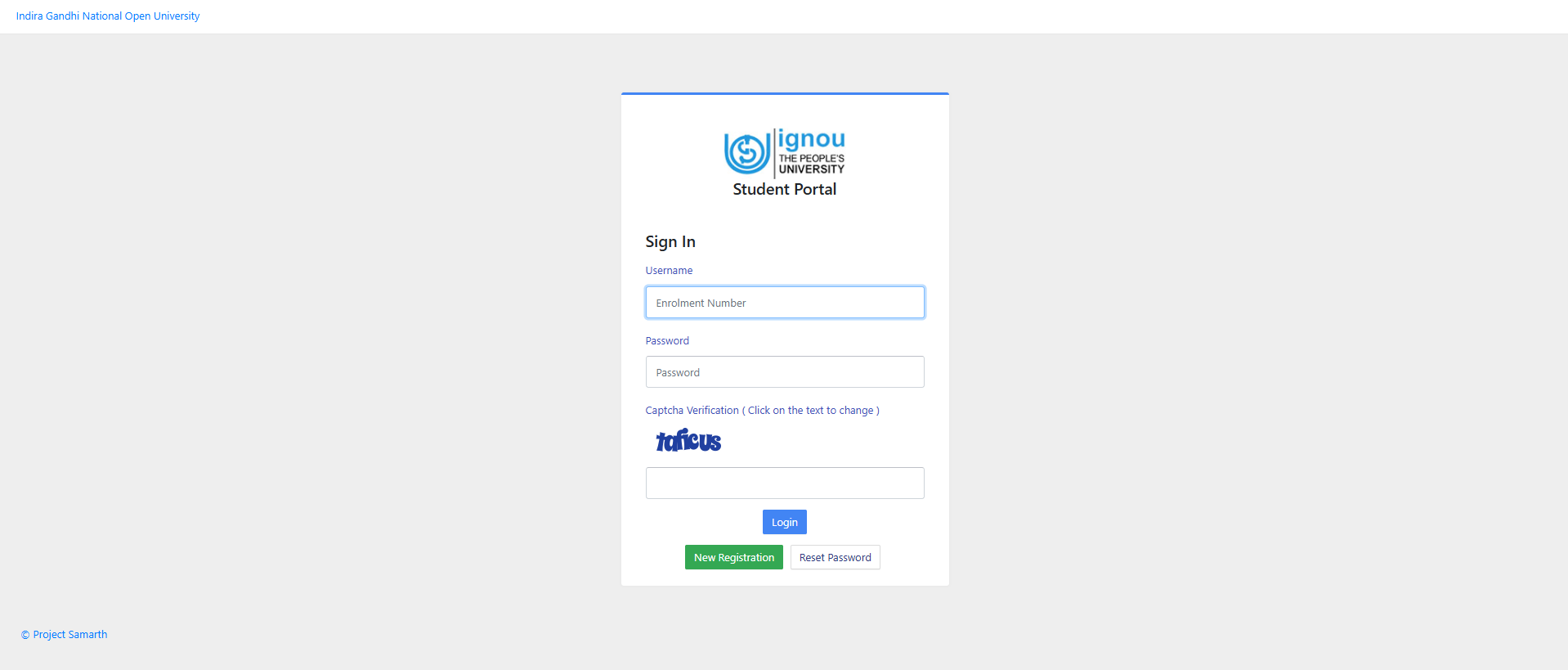
IGNOU July 2026 Re-Registration: The Indira Gandhi National Open University (IGNOU) will close the July 2026 session re-registration form today, July 15, 2026. Candidates interested in applying will need to visit the official website to re-register at ignou.ac.in. The registration portal for ODL and Online undergraduate, postgraduate, diploma and certificate programmes is onlinerr.ignou.ac.in.
How to fill IGNOU Re-Registration July Session 2026?
Candidates will need to follow the mentioned steps to fill the IGNOU Re-Registration July Session 2026 online:
- Visit the official website at onlinerr.ignou.ac.in
- Click on the IGNOU re-registration tab
- Log in using IGNOU user ID, password and security PIN
- Fill in re-registration form and select course to pay registration fee
- Download the application form for future reference
DIRECT LINK - IGNOU Re-Registration July Session 2026
IGNOU July 2026 Re-Registration Form: Important Points
Before registering for the IGNOU July 2026 exams, the University has instructed candidates to read the following instructions carefully:
- You will need to register on the Portal. Please click the “New Registration’ button to proceed. Please provide your correct mobile number and e-mail ID, because we shall be able to send you confirmation and other important updates only if we have your correct mobile number and e-mail ID. If you have already registered on the portal, you may use your Username and Password to log in. In case you face difficulty in registering on the portal (not getting OTP/ forgot Username/Password or any other difficulty), please approach your Regional Centre for re-setting of your account/updating email ID or mobile number.
- Choose your courses (wherever option is given) carefully. Please go through your Programme Guide for details of the courses on offer. A change of course at a later stage may result in loss of time available to you for your studies.
- Please exercise due caution in making online transactions. Please do not share your card details or OTP with anyone. As far as possible, please use your own card/net banking to make payment. You can also make payment through UPI, including BHIM App. Students of the International Division may use online payment options available to them.
- Please do not wait for the last date for submission of your re-registration form.
- In case online payment made by you does not get updated, please do not make the second payment immediately. Please wait for a day, check the payment status and then decide.
- In case you make payment two times for the same application, one of the payments shall be refunded to your account.
- In case you are using third-party services (cybercafé or some other outlet) for submission of your re-registration form, please ensure that the courses have been correctly chosen and payment of programme fee has been made successfully. Please obtain a printout of the form submitted and payment confirmation.