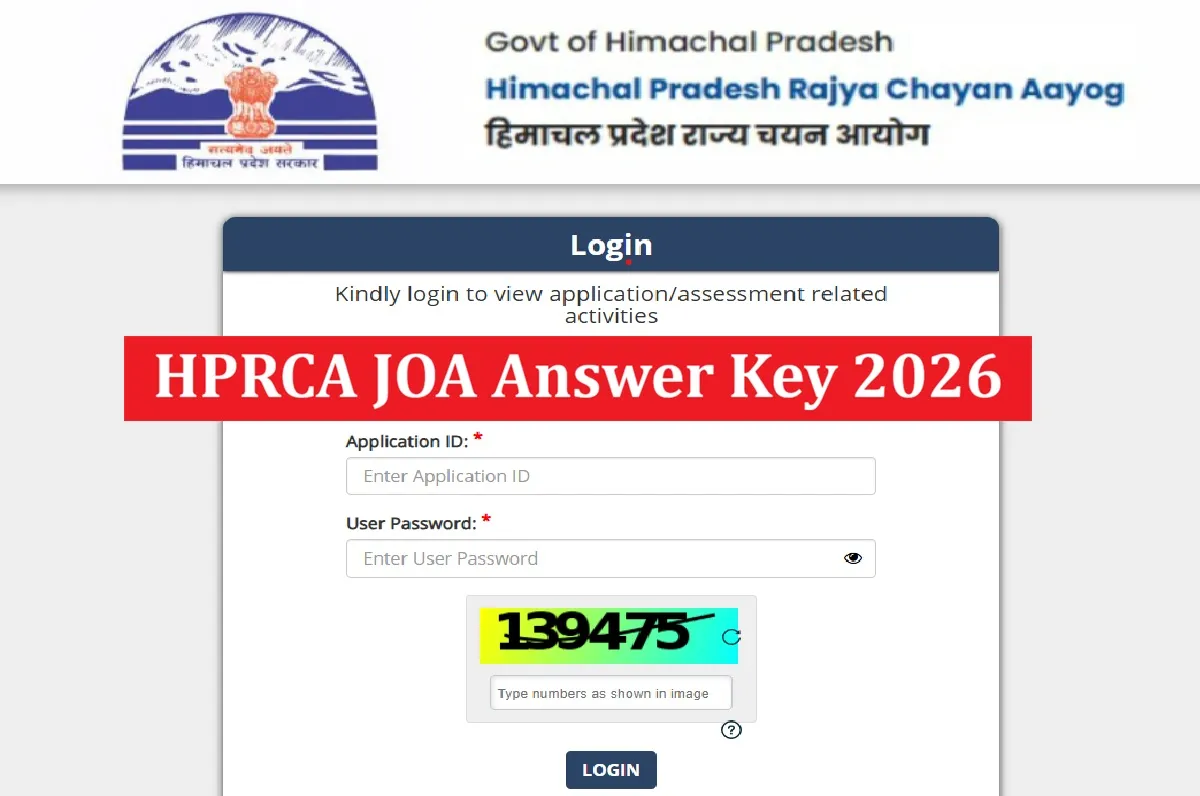
HPRCA JOA Answer Key 2026: The Himachal Pradesh Rajya Chayan Aayog (HPRCA) on November 02, has released the HPRCA JOA Answer Key 2026 for the Junior Office Assistant (IT), Job-Trainee examination posts. Candidates who appeared in the written exam for Junior Office Assistant (IT) posts can download the provisional answer key and raise objections, if any, through the link. The link to raise objections is active from November 02, 2026, and November 04, is the last date to raise objections in online mode through the official website, hprca.hp.gov.in.
The HPRCA has conducted the written examination for the above posts on 28, 29, 30 September, and 1 October 2026 across the state.
HPRCA JOA Answer Key 2026 Download Link
The Himachal Pradesh Rajya Chayan Aayog (HPRCA) has released the HPRCA JOA Answer Key 2026 for the Junior Office Assistant (IT), Job-Trainee examination posts at https://hprca.hp.gov.in. Along with the provisional answer key, the response sheet and the raise objection link have also been released by the exam authority. You can download the answer key through the link directly given below-
Related Stories
| HPRCA JOA Answer Key 2026 | Download Link |
| HPRCA JOA Answer Key 2026-Raise Objection Link | Click Here |
| Manual to Raise Cross Objection | Click Here |
HPRCA Junior Office Assistant Answer Key 2026 Key Highlights
The Cross Objection form link for the post of Junior Office Assistant IT Exam for the exam held on Sep 28,29, 30 and Oct 01, 2026 has been uploaded on the official website. Check the overview of the recruitment drive-
| Particulars | Details |
|---|---|
| Organization | Himachal Pradesh Rajya Chayan Aayog (HPRCA) |
| Post Name | Junior Office Assistant (IT), Job-Trainee |
| Post Code | 26001 |
| Advertisement No. | 01/2026 |
| Total Posts | 234 |
| Answer Key Release Date | November 02, 2026 |
| Exam Date | 28, 29, 30 September & 1 October 2026 |
| Exam Mode | Digi OMR Tablets |
| Last date to raise objection | November 04, 2026 |
| Official Website | hprca.hp.gov.in |
How To Raise an Objection to the HPRCA JOA Answer Key 2026?
Candidates can raise their objections, if any, against the provisional answer key through the link at the official website. First of all, you have to click on the link displayed as the “Click here to Raise Cross Objection” button to raise your query. Check the simple steps given below-
-
Click on the link “New Cross Objection” on the home page.
-
You can raise cross objections for 1 question at a time.
-
To raise a cross objection for more than 1 question, click on “Click to raise new Objection” again.
-
Read the complete Instructions before proceeding further. After reading the complete instructions, click on the close button and proceed