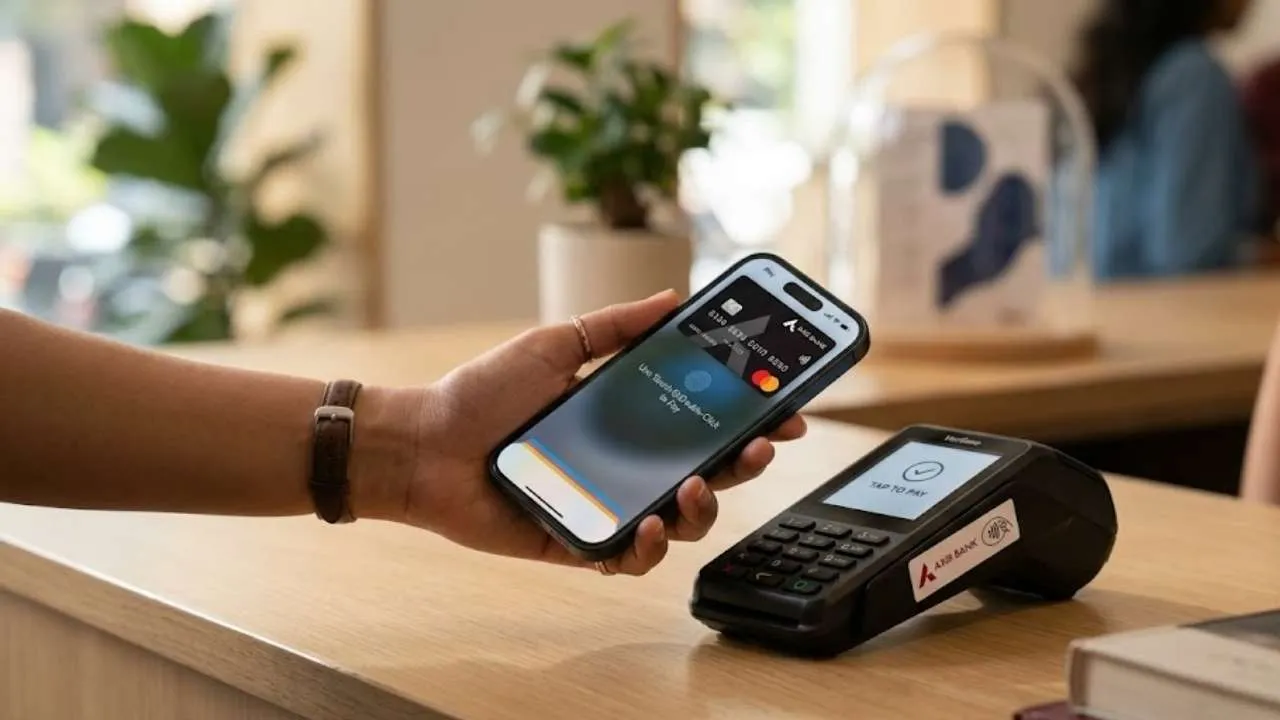
Big update for the Apple users, as the company launches Apple Pay in India officially. The launch marks Apple’s official entry in the country’s digital payments market. This Apple Pay service is being introduced in partnership with Axis Bank.
Apple Pay is initially limited to selected credit cards only. As a feature it enables users to make 100% secure contactless payments using compatible Apple devices. The compatible devices are Apple iPhone, Apple Watch and Apple iPad.
Apple Pay comes with built-in authentication and token-based security. It allows users to have faster transactions without actually using the physical cards, PINs, OTPs etc, offering the customer a seamless experience, and smooth payment experience.
How to Use Apple Pay
Users can add their eligible card through the Apple Wallet app or directly via the Axis Bank app. After verification, payments become simple:
-
Double-click the side or Home button
Authenticate using Face ID, Touch ID, or passcode
Tap the iPhone or Apple Watch on a contactless terminal
For online payments, Apple Pay removes the need to repeatedly enter card details, billing, or shipping information.
Which Devices Are Eligible For Apple Pay?
According to reports, Apple Pay will only work on supported devices:
-
iPhone XR and newer (iOS 18 or later)
-
Apple Watch Series 6 and later (watchOS 11 or later)
-
iPad for online payments
Mac support is expected soon.