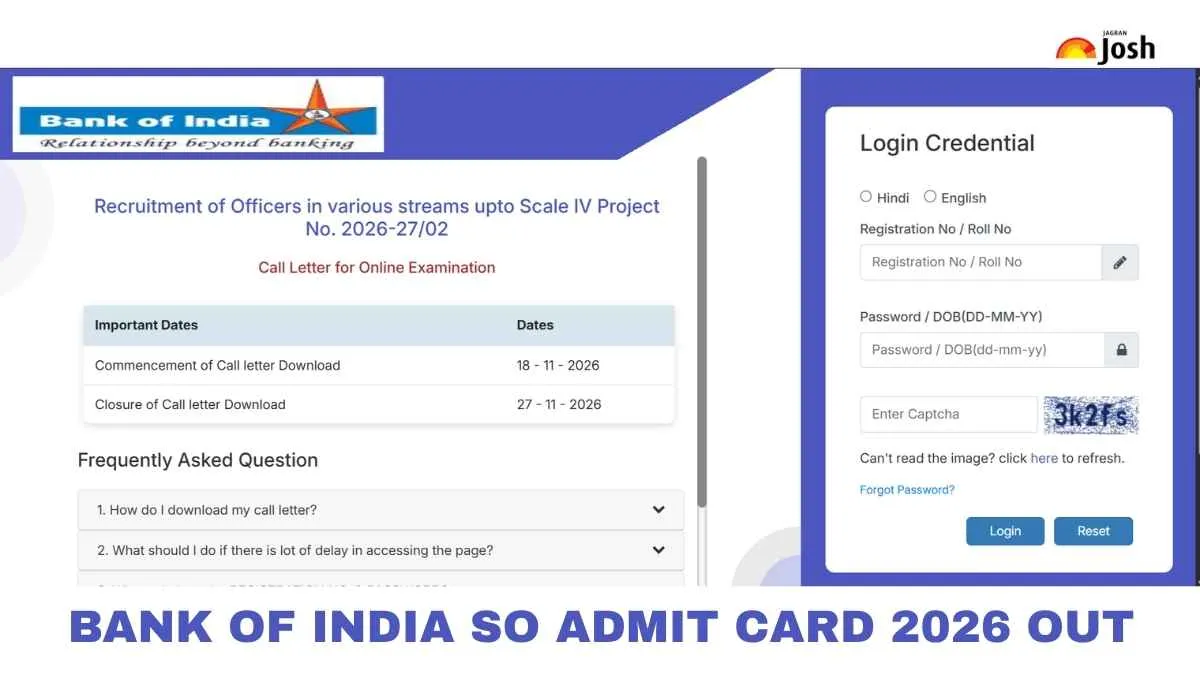
BOI SO Admit Card 2026: Bank of India (BOI) has released the admit card for its Specialist Officer (SO) recruitment 2026. Candidates who applied online can now download their call letter from the official website, bankofindia.co.in. The CBT examination is schedule for November 27, 2026. The admit card is a must-have document. Without it, no candidate will be allowed to enter the exam or interview venue. To download it, applicants need their registration number and password or date of birth. In this article, we have shared the direct link, simple steps to download, important documents to carry, and key instructions. Download it early. Read on to check every detail before your exam day.
Bank of India SO Admit Card 2026 Highlights
Bank of India has activated the download link for the Specialist Officer admit card. The table below gives the key details at a glance, so candidates can quickly check the important points before downloading their call letter.
Related Stories
|
Particulars
|
Details
|
|
Conducting Body
|
Bank of India (BOI)
|
|
Recruitment Project No.
|
2026-27/02 (Recruitment of Officers in various streams up to Scale IV)
|
|
Post Name
|
Specialist Officer (SO) — 205 Vacancies across Scale I, II, III, and IV
|
|
Admit Card Status
|
Released(Active from 18 November to 27 November 2026)
|
|
Mode of Download
|
Online (via IBPS Call Letter Portal)
|
|
Login Details Required
|
Registration Number / Roll Number, Password / Date of Birth (DD-MM-YY), and Captcha / Security Code
|
|
Online Examination Date
|
27 November 2026
|
|
Selection Process
|
Online Written Examination and Personal Interview (100 Marks)
|
|
Official Websites
|
BOI SO Admit Card 2026 PDF Download
Candidates can download the call letter directly from the Bank of India career portal. Use the link below and log in with your registration number and password or date of birth. Keep a printed copy ready for the exam or interview day.
|
BOI SO Admit Card 2026 Link
|
Steps to Download BOI SO Admit Card 2026
Downloading the call letter takes only a few minutes. Follow the steps below carefully, and keep your login details ready before you start.
-
Visit the official website of Bank of India, bankofindia.co.in.
Go to the "Careers" section and open the "Recruitment" tab.
Click on the link for the Specialist Officer (SO) admit card or call letter.
Enter your registration number and password or date of birth.
Fill in the captcha code, if asked, and click "Submit".
Your admit card will appear on the screen.
Check all the details carefully, then download the PDF.
Take 2 to 3 printouts and keep them safe for the exam or interview day.
Login Details Required to Download the Admit Card
Candidates need a few basic credentials to access the call letter. These were created during the online application process, so keep them handy before you log in to the portal.
-
Registration Number: The unique number generated when you submitted your application form.
-
Password / Date of Birth: The password set during registration, or your date of birth in the format asked on the login page.
-
Captcha Code: The verification code shown on the screen, if the portal asks for it.
-
If you have forgotten your registration number or password, use the "Forgot Password" or "Forgot Registration Number" option on the login page. If it doesn't work, contact the Bank of India recruitment helpdesk through the official website.