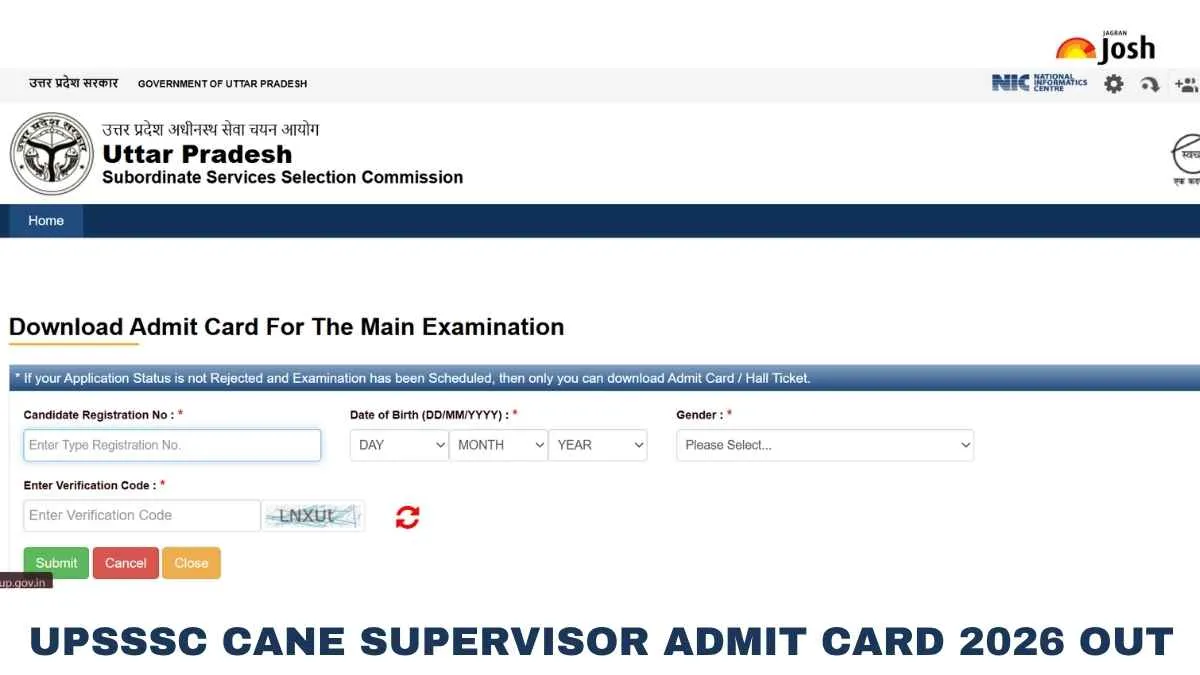
UPSSSC Cane Supervisor Admit Card 2026: The Uttar Pradesh Subordinate Services Selection Commission (UPSSSC) has released the Cane Supervisor Admit Card 2026 on 25 November 2026. The admit card is for the Main Examination, which will be held on 29 November 2026. Candidates who are shortlisted for the exam can download the hall ticket from the official website, upsssc.gov.in. This recruitment is being conducted to fill 1,182 posts of Cane Supervisor (Ganna Paryavekshak). Candidates must carry a printed copy of the admit card along with a valid photo ID to the exam centre. Without it, entry will not be allowed. Check all the important details below.
UPSSSC Cane Supervisor Admit Card 2026 PDF Download Link
UPSSSC has activated the admit card link on its official website. Candidates can open the link, log in with their details and download the hall ticket in PDF format. The table below gives the link status. Keep a clear printout of the PDF for exam day.
Related Stories
|
UP Cane Supervisor Admit Card 2026
|
UPSSSC Cane Supervisor Admit Card 2026 Highlights
UPSSSC has released the admit card for the Cane Supervisor Main Examination. The table below gives the key details of the recruitment, the admit card and the exam in one place.
|
Particulars
|
Details
|
|
Conducting Body
|
Uttar Pradesh Subordinate Services Selection Commission (UPSSSC)
|
|
Post Name
|
Cane Supervisor (Ganna Paryavekshak)
|
|
Advertisement No.
|
13-Exam/2026
|
|
Total Vacancies
|
1,182
|
|
Exam Name
|
Cane Supervisor Main Examination 2026
|
|
Exam City Slip Released On
|
19 November 2026
|
|
Admit Card Released On
|
25 November 2026
|
|
Admit Card Status
|
Out
|
|
Exam Date
|
29 November 2026 (Sunday)
|
|
Exam Time
|
10:00 AM to 12:00 Noon (Single Shift)
|
|
Exam Mode
|
Offline (OMR-based), Objective Type
|
|
Download Mode
|
Online
|
|
Official Website
|
upsssc.gov.in
|
Steps to Download UPSSSC Cane Supervisor Admit Card 2026
Candidates can download the hall ticket online from the official website. Follow the steps given below to get the UPSSSC Cane Supervisor admit card 2026 PDF.
1. Visit the official website of UPSSSC, upsssc.gov.in.
2. On the homepage, open the "Notice Board" or "Admit Card" section.
3. Click on the link "Download Main Examination Admit Card for Cane Supervisor (Advt. No. 13-Exam/2026)".
4. Enter the login details asked on the screen, such as registration number and date of birth.
5. Click on the "Download Admit Card" button.
6. The admit card will appear on the screen. Download the PDF.
7. Take a clear printout and check all the details on it.