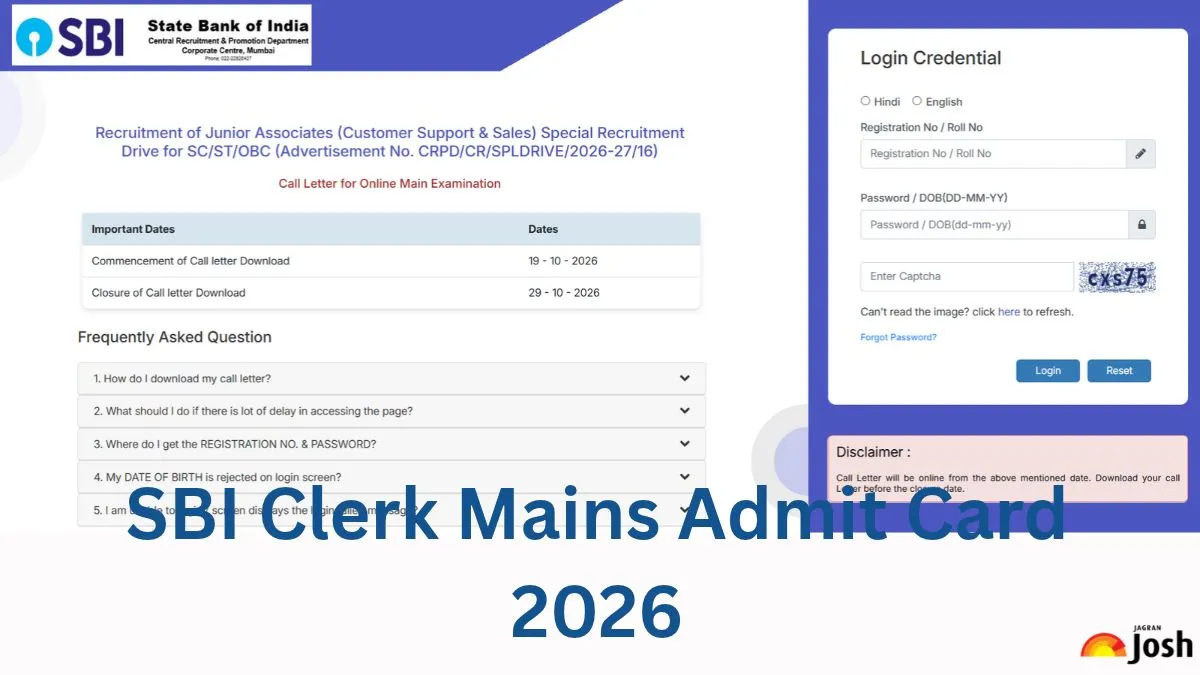
The State Bank of India (SBI) has released the SBI Clerk Admit Card for the Computer-Based Test (CBT) mains exam. The SBI Clerk Call Letter for Special Recruitment Drive for SC/ST/OBC (Advertisement No. CRPD/CR/SPLDRIVE/2026-27/16) has been released online on the official website of the bank: sbi.bank.in. The online exam is scheduled to be conducted on October 29 for 1580 backlog vacancies of Junior Associates (Customer Support & Sales) in SBI. All the candidates who are going to appear in the mains exam can check and download their SBI Clerk admit cards using the direct link provided below by October 29. To download the SBI Clerk admit card PDF, students need to enter their application number, date of birth and security pin.
Candidates must bring the Preliminary exam call letter (with a copy of ID proof) as well as the Main examination call letter at the time of the Main examination. Both the documents need to be submitted during the Main examination
SBI Clerk Admit Card 2026 Download Link
SBI has released the SBI Clerk admit card on October 19, 2026. So, candidates are advised to go to the official website to download the SBI Clerk Admit Card. Here, we are also providing the direct link to download the admit card PDF. Candidates are advised to carry their admit card along with a valid photo identity proof to the examination centre.
Related Stories
|
SBI Clerk Admit Card 2026 Download Link
|
How to Download SBI Clerk 2026 Admit Card PDF?
The candidates need to follow the steps mentioned below to know how to download the SBI Clerk admit card 2026:
Step 1: Visit the official website of SBI- sbi.bank.in
Step 2: Click on the ‘Career’ option given on the menu bar and click on the ‘Join SBI’ and then the ‘Current Openings' option available there.
Step 3: Scroll down and click on ‘SBI Clerk 2026 Admit Card Download Link’
Step 4: Fill in all the details like Registration No / Roll No, Password / DOB and security captcha and click on ‘Login’.
Step 5: The Admit Card will appear on the screen.
Step 6: Download and print the admit card PDF.
Details Mentioned on SBI Clerk Call Letter 2026
The SBI Clerk admit card 2026 will contain the candidate's personal information and examination details. The admit card will contain the following details of the candidates.
-
Name of the Candidate
Examination Name
Registration Number
Photograph and Signature of Candidate
Roll Number
Father Name
Examination Centre
Examination Date and Time
Gender
Problems in downloading the SBI Clerk 2026 admit card
If any candidate faces any issues in downloading the SBI Clerk admit card 2026. He/She must do the following things before connecting with the exam conducting authority.
-
Close your Internet browser and try again.
-
Ensure you have a stable internet connection.
-
Use Mozilla Firefox and Google Chrome browsers to download the admit card.
-
Clear the history and cache and refresh the page.
How to rectify the errors in SBI Clerk Admit Card 2026?
Once the admit card is downloaded, the candidate must check all the information mentioned in it. If there is any discrepancy in the SBI Clerk admit card, the candidate must contact the exam conducting authority and get it rectified as soon as possible. The authority will provide the contact details along with the SBI Clerk admit card, or you can also connect using the following contact details:
-
Phone No: 022-22820427
-
Lodge their query on http://cgrs.ibps.in
The SBI Clerk Candidate Helpdesk is available by phone, Monday to Saturday from 11:00 AM to 5:00 PM, and is closed on Sundays and on National/Public holidays. Candidates should mention ‘Special Recruitment drive for Junior Associates 2026’ in the subject of the email.
What if a candidate forgot his login credentials?
If a candidate forgets his login details, he needs to follow the below-mentioned steps to reset the password:
Step 1: Click on “FORGOT CREDENTIALS”.
Step 2: Enter the enrollment Id/email address and registered mobile number.
Step 3: Click on “SEND OTP”
Step 4: An OTP will be sent to the registered email address/mobile number of the candidates.
Step 5: Enter the OTP and reset the password.