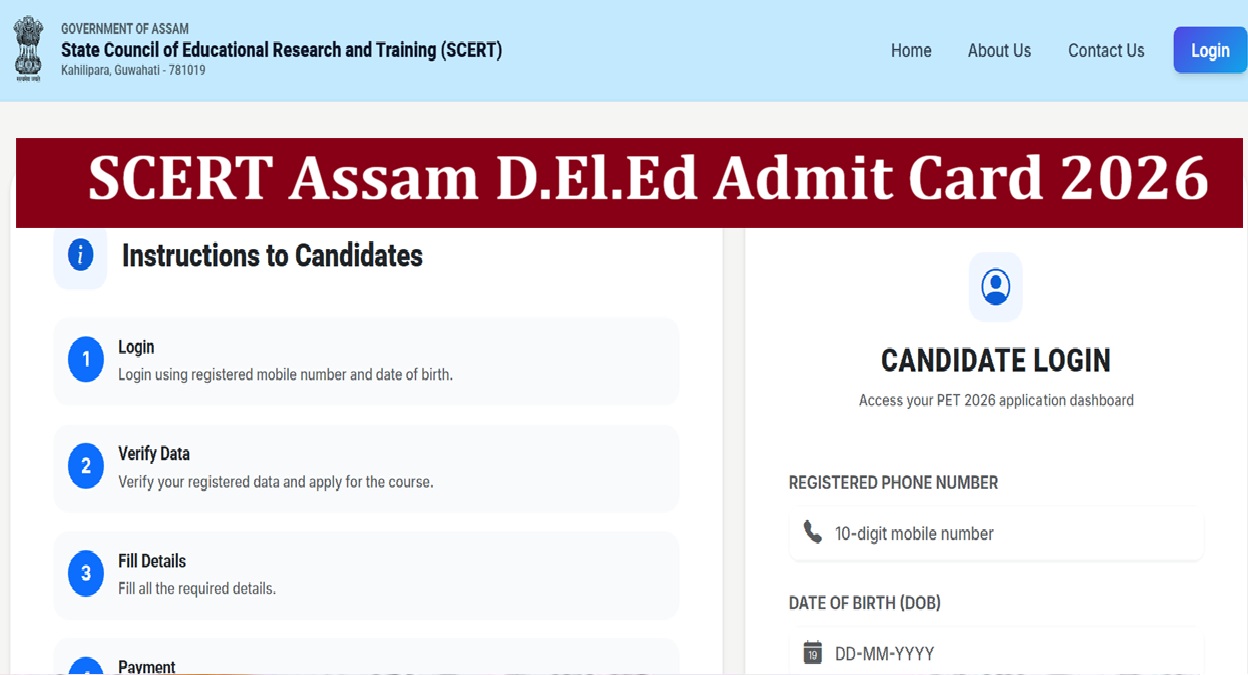
SCERT Assam D.El.Ed Admit Card 2026: The State Council of Educational Research and Training (SCERT), Assam, has activated the SCERT Assam D.El.Ed Admit Card 2026 download link on its official website. The board is set to conduct the D.El.Ed Pre-Entry Test (PET) 2026 on July 12, 2026 across the state. The Pre Entry Test (PET) 2026 is the gateway for admission into a 2 - Year Diploma in Elementary Education (D.El.Ed.) Course in different institutions across the state. Candidates appearing for the exam can download their hall ticket after using their login credentials to the link at the official website-https://scertpet.co.in/login.
SCERT Assam D.El.Ed Admit Card 2026 Download Link
The SCERT Assam D.El.Ed Admit Card 2026 download link for the Pre Entry Test (PET) 2026 exam has been activated by the authority on its official website. Candidates applied successfully for the above exam can download their hall ticket after login to the link.
Related Stories
| Assam D.El.Ed Admit Card 2026 | Download Link |
Exam Pattern of D.El.Ed Pre-Entry Test (PET)
Candidates appearing in the Pre-Entry Test (PET) – 2026 for admission into 2-year Diploma in Elementary Education (D.El.Ed.) course should note that the written exam will be held for two sections including Section-I and Section-II. There will be total 100 questions in MCQs mode. Check the details of the exam pattern given below-
| Total Marks |
100
|
| Time |
2 hours
|
| Number of question | 100 |
| Mark carried by each question |
1
|
How to Download Assam D.El.Ed Admit Card 2026?
The Assam D.El.Ed Admit Card 2026 download link is available on the official website of the authority. Candidates can download their hall ticket after using their login credentials through the steps given below-
- Visit the official website of the State Council of Educational Research and Training (SCERT), Assam, at https://scert.assam.gov.in/.
- You will get the link for the Pre-Entry Test (PET) – 2026 Admit Card on the home page.
- Provide your login credentials including Registered Phone Number and Date of Birth to the link.
- The admit card along with complete exam details will be displayed on your screen.
- Download and take a printout for future reference.