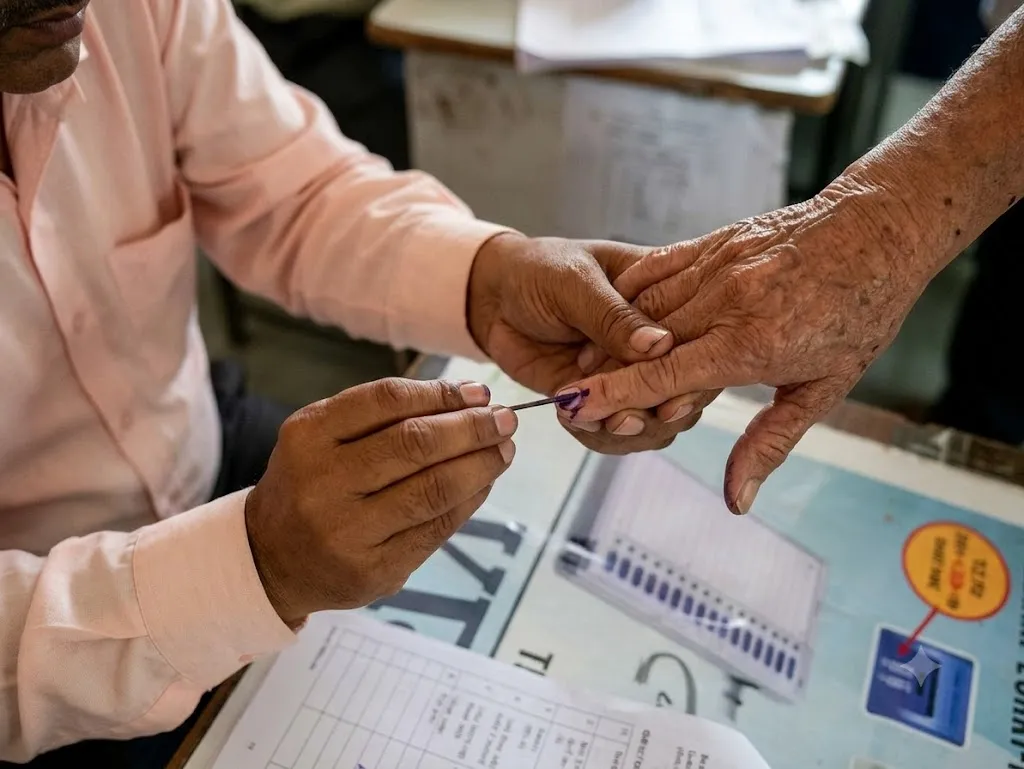
Karnataka’s final electoral roll following the Special Intensive Revision (SIR) was published on October 27, 2026. Voters can now check whether their names appear in the updated list, verify their polling details and download the electoral roll PDF through the Election Commission of India’s official website. The revision began with 5.54 crore registered electors in Karnataka. The final roll contains approximately 4.55 crore voters. Karnataka has published its final electoral roll after the Special Intensive Revision. More than 99.32 akh names have been deleted. Voters should check their latest details because their polling part or serial number may have changed. Keep reading to know in detail about the Karnataka SIR final voter list.
Karnataka SIR Final Voter List 2026: Key Details
| Particulars | Details |
| State | Karnataka |
| Revision process | Special Intensive Revision (SIR) |
| Final electoral roll published | October 27, 2026 |
| Electors before revision | 5,54,32,314 |
| Electors in final roll | Approximately 4.55 crore |
| Official source | Election Commission of India (ECI) |
| Main services | Search name, download electoral roll PDF, and verify polling details |
The draft roll contained about 1.08 crore fewer names than the electorate recorded before the revision. The final list was published after the claims, objections, notices and verification process. The difference between the pre-revision and final totals is approximately 99 lakh electors. The final roll reflects a substantial change in the number of registered electors during the SIR process.
Related Stories
| Electoral Roll Stage | Number of Electors |
| Before SIR, as of June 16, 2026 | 5,54,32,314 |
| Draft roll published on August 24, 2026 | 4,46,35,975 |
| Final roll published on October 27, 2026 | 4,55,00,011 (approx. 4.55 crore) |
How to Check Your Name in the Karnataka SIR Final Voter List 2026
Voters can search for their names online through the Election Commission of India’s voter services website.
1. Visit the Election Commission of India’s Voters’ Service Portal.
2. Select the option to search for your name in the electoral roll.
3. Search using your EPIC number, which is printed on your voter ID card or enter the requested personal details.
4. Complete the verification process if prompted.
5. Check the search result for your name with Assembly constituency and polling details.
How to Download the Karnataka Electoral Roll PDF?
Voters who want to check the complete list for their polling area can download the electoral roll PDF.
1. Open the ECI electoral roll page.
2. Select the option to download the electoral roll.
3. Choose Karnataka as the state.
4. Select the relevant district and Assembly constituency.
5. Choose the appropriate polling station or part number.
6. Download the PDF and search for your name.
7. Verify your voter details and updated serial number.