Canva vs Adobe Express: Check Differences Here!
Learn the differences between Canva and Adobe Express. Here in this article, explore the comparison table, prices, AI features, and templates for Indian users. This article will help you to choose the best design tool for your creative work.
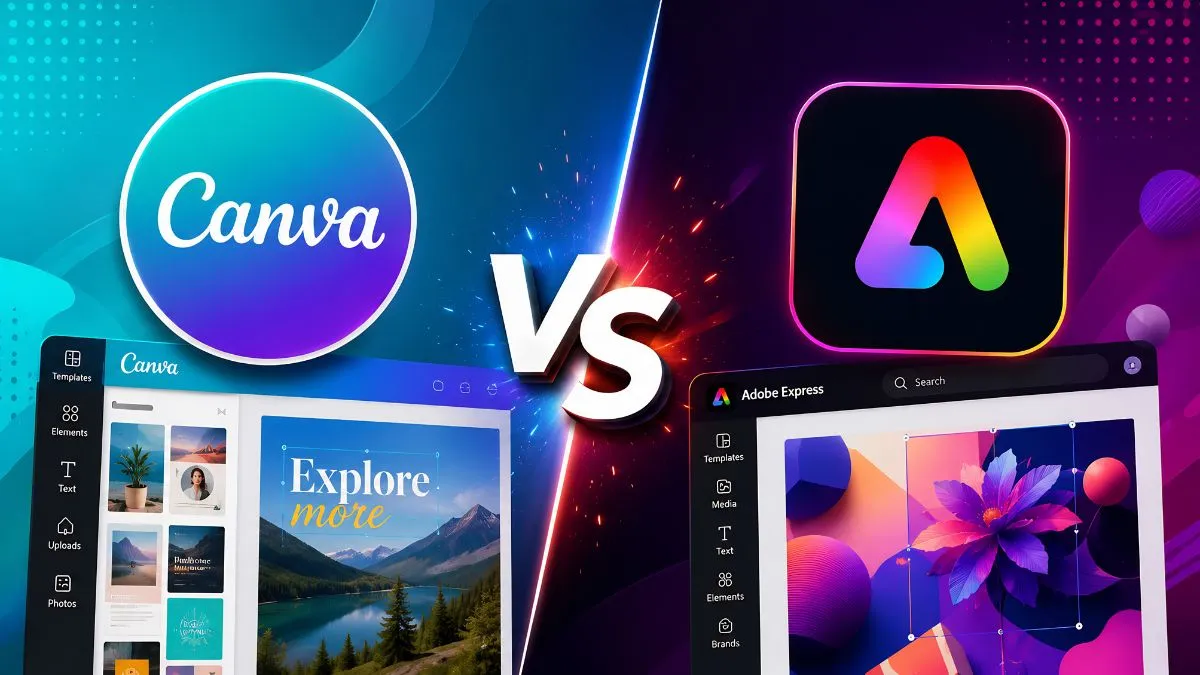
Today, in India or anywhere in the World, many people are looking to make good design for their social media posts, YouTube posts, personal blog or for a feature image for any article. Everyone is looking for the best tools which can be used to create unique designs for their post. Today, we are living in the AI era, and everyone does not need to be a graphic designer. There are two most popular tools, Canva and Adobe Express, which are helping most of the people in creating online designs, from editing to creating as per the demands.
Both tools are available free to use, but users can also use the paid versions of these tools, Canva and Adobe Express, to use their more advanced features, and neither tool requires much experience on design; they are both very easy to learn. So, many of you have doubts. If they are both used to design the picture, then what is the difference between these two tools: Canva vs Adobe? So, let’s explore this article and check all the differences here!
What is Canva?
Canva is a popular, user-friendly online design free tool which is used to create designs for Indian festivals, Social Media posts, YouTube posts, personal blogs, or a feature image for any article. Canva was co-founded by Melanie Perkins (CEO) in 2013 in Sydney, Australia.
Today, it has more than 220 million+ Monthly Active users all over the world.
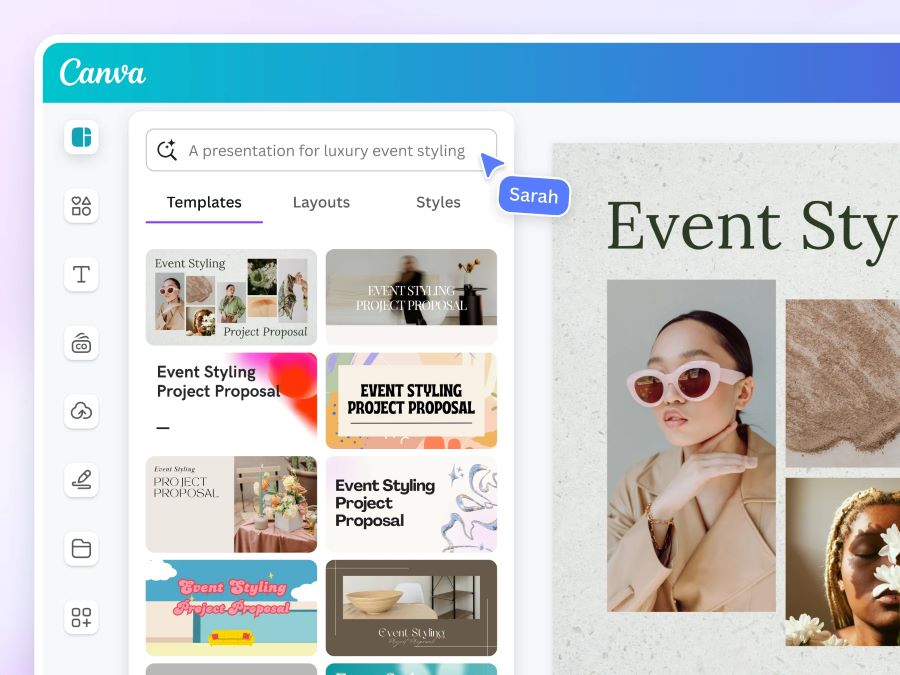
Source: Canva
With Canva, you can make:
-
Social media posts (Instagram, Facebook, YouTube)
-
Posters and flyers
-
Presentations (like PowerPoint)
-
Videos
-
Logos and business cards
-
Websites
Canva is very popular all over the world because it is very simple to use and create designs. In these tools, users can simply drag and drop the design according to their own preferences and also create a design to their own demand for their posts or blogs
Canva Pricing:
-
Canva Free Plan gives you:
-
250,000+ free templates
-
5 GB storage in the free version
-
Basic design tools
-
Around 50 AI credits per month
-
Canva Pro costs:
-
₹4,000/year for one person
-
₹500/month for one person
-
₹199/week for one person
-
₹69/1 Day for one person
-
Canva Business Cost:
-
₹6,800/year per person
-
₹680/month per person
What is Adobe Express?
Adobe Express is all in one design for photo, and video to make content creation on design for your Social Media posts, YouTube post, personal blogs or for creating feature image for your article, it is very easy and simple way to generate unique and beautiful design. It is very simple to use, and even beginners who do not know much about graphic design, they also can create professional quality design for thier posts.
Previously, Adobe Express was known as “Adobe Spark”, and later on in 2012, it was updated with its current name. This design tools can be uses same as Canva is used for designing the post for any social media post, or for any YouTube Post.
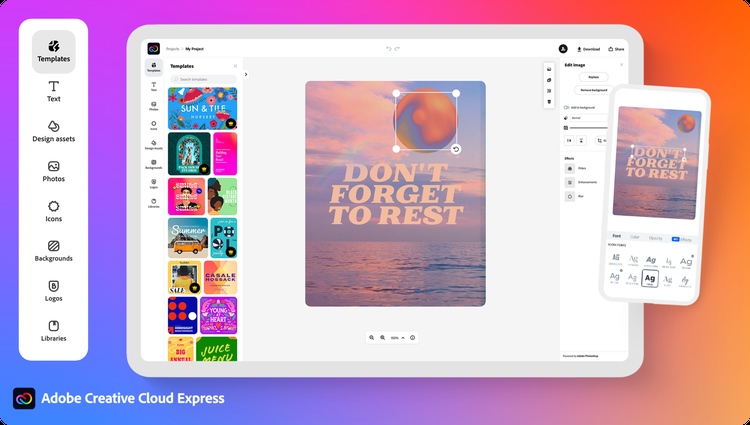
Source: Adobe
With Adobe Express, you can make:
-
Social media graphics
-
Posters and flyers
-
Short videos
-
PDFs and presentations
-
Logos and brand material
Adobe Express is a good choice if you already use other Adobe tools.
Adobe Express Free Plan gives you:
-
100,000+ free templates
-
5 GB storage
-
25 AI credits per month
-
Access to 1 million Adobe Stock photos
Adobe Express Price & Plan:
-
Individual Plan of Adobe Express
-
Adobe Express Free:
-
For individuals who want basic content creation tools, limited generative AI credits and assets.
-
₹0.00incl. GST
-
Free to use. No credit card required.
-
Adobe Express Premium:
-
For individuals who want millions of premium templates and assets, more generative AI credits, and time-saving features.
-
₹398.84/monthly. GST
-
No annual commitment, billed monthly
-
Adobe Firefly Pro:
-
For individuals who want Adobe Express Premium plus 4,000 credits for creative AI and Adobe Photoshop on web and mobile for advanced image editing.
-
₹1,596.54/monthly. GST
-
No annual commitment, billed monthly
-
Businesses Plan of Adobe Express
-
Adobe Express Teams:
-
For teams that want to create on-brand content at scale with advanced collaboration, security, and more generative AI credits.
-
₹419.00/moper license excl. GST
-
Annual subscription, billed monthly.
-
Discount offer first year only, then ₹670.00/month license excl. GST.
-
2 seats minimum required.
-
For Student
-
There are two plans, one is free, and the other is for students who want to use Adobe Express Premium. The plan price is ₹398.84/month. GST No annual commitment, billed monthly.
Canva vs Adobe Express: Full Comparison
Here is a simple side-by-side look at both tools:
| Feature | Canva | Adobe Express |
| Free Templates | 2,50,000+ | 1,00,000+ |
| Monthly Price (Paid) | From ₹500/month for one person to ₹680/month per person (Its price depends on which plan you are taking) | From ₹398.84/monthly to ₹1,596.54/monthly (Its price depends on which plan you are taking) |
| AI Tools | Magic Studio (good) | Adobe Firefly (very good) |
| Fonts | ~3,000 fonts | 30,000+ Adobe Fonts |
| Stock Photos (Paid) | 141 million | 200 million |
| Easy to Use | Very easy | Easy |
| Team Collaboration | Excellent | Excellent |
| Adobe App Connection | No | Yes |
| Set of Features | It has Limitations | Excessive features that can be used |
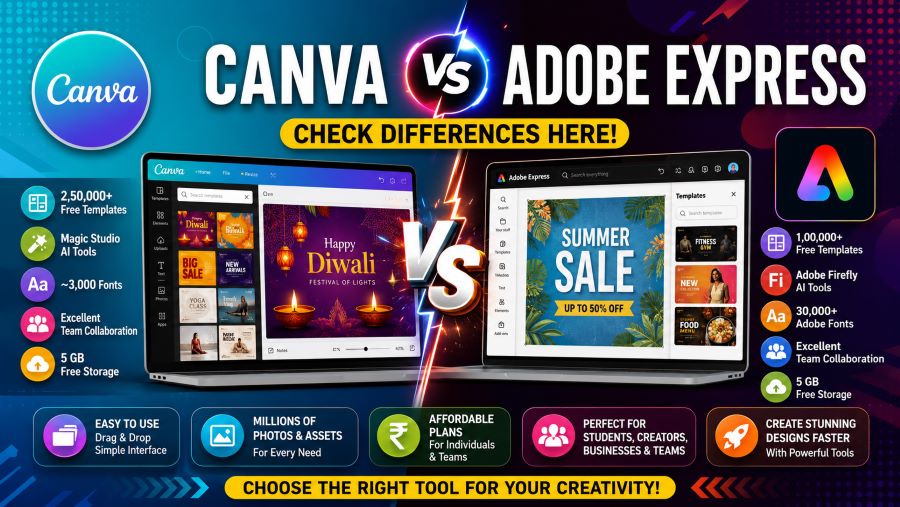
Source: AI Generated
Which Tool Has Better Templates?
Canva has more than 1.6 million free templates. Adobe Express has around 100,000 templates. That is a big difference. For Indian users who want ready-made designs for festivals, social media, or business, Canva gives a lot more choices.
Which Tool Has Better AI Features?
Adobe Express is stronger in AI. It uses Adobe Firefly to create AI images. These images are safe to use for business because Adobe has ensured they do not infringe on anyone's work, whereas Canva uses Magic Studio for AI. It is good but not as powerful as Firefly.
If you need AI-generated images for professional or paid work, Adobe Express is a better choice.
Which Tool is Cheaper?
Adobe Express Premium is cheaper at around ₹398.84/monthly, whereas Canva Pro is around ₹500/month. Bith tools have difference core and quality for design the post, and the users can use as per their demand to design the post for their social media or for YouTube posts.
Which Tool is Better for Teams?
If we compare their price, features, templates, and AI Features, both are better for designing the post. Both have a free plan version, and users can use them for their personal works, or to run a small business, agency, or work within a group. Both are efficient for doing work. So, wich ever suits you to handle easy, and perfect for your works, you all can choose any of this two, either Canva or Adobe Express!
Canva vs Adobe Express: Who Should Use Which?
Use Canva if you:
-
Are a beginner or a student
-
Need lots of free templates
-
Work in a team
-
Run a small business or YouTube channel
-
Want an easy, all-in-one tool
Use Adobe Express if you:
-
Already use Adobe tools like Photoshop or Acrobat
-
Need better AI image generation
-
Want more font choices
-
Need to save money on the paid plan
-
Do professional design work
So, both the designer tools, Canva vs Adobe Express, are very good and an easy way to use. But, if you are a beginner and want to learn how to design a unique post for your Social Media Post, YouTube Post, personal blogs, or want a feature image for your article, you can go with Canva, but Adobe Express is not so difficult to use. Adobe Express have better AI features to enhance your post. So, you can try both and see which feels more comfortable for you to work.

Prabhat Mishra is a Subject Matter Expert and digital journalist with an extensive background in the competitive exam landscape and over 4 years of experience in education, national and international news, and current affairs. Over his tenure with top knowledge platforms like Mentorship India, IAS BABA, IAS SARTHI, and now Jagran Josh, he has a deep understanding of government exams like UPSC and State PCS, including UP and Bihar, as he has already qualified for the UPPCS 2022 Mains and Bihar 68th Mains. With his core expertise in history, polity, geography & current affairs, he specialises in creating well-researched, aspirant-centric content and simplifying complex topics for competitive examinations.


![NIOS Hall Ticket 2026 [OUT] LIVE: Download Class 10th, 12th October Theory Admit Card at sdmis.nios.ac.in, Direct link here](https://img.jagranjosh.com/images/2026/October/16102026/NIOS-Hall-Ticket-2026.jpg)
![[OUT] UPSSSC PET Admit Card 2026 LIVE: यूपी पीईटी एडमिट कार्ड जारी, upsssc.gov.in पर Direct Link](https://img.jagranjosh.com/images/2026/October/15102026/UPSSSC-PET-Admit-Card-2026.jpg)