IIM CAT 2024 Objection Window Open Until December 5 at iimcat.ac.in, Get Direct Link Here
CAT 2024 answer key objection window is now live at iimcat.ac.in. The Objection window will be available until December 5, 2024 on the official candidate login link. Submit objections through the objection management link on the website.
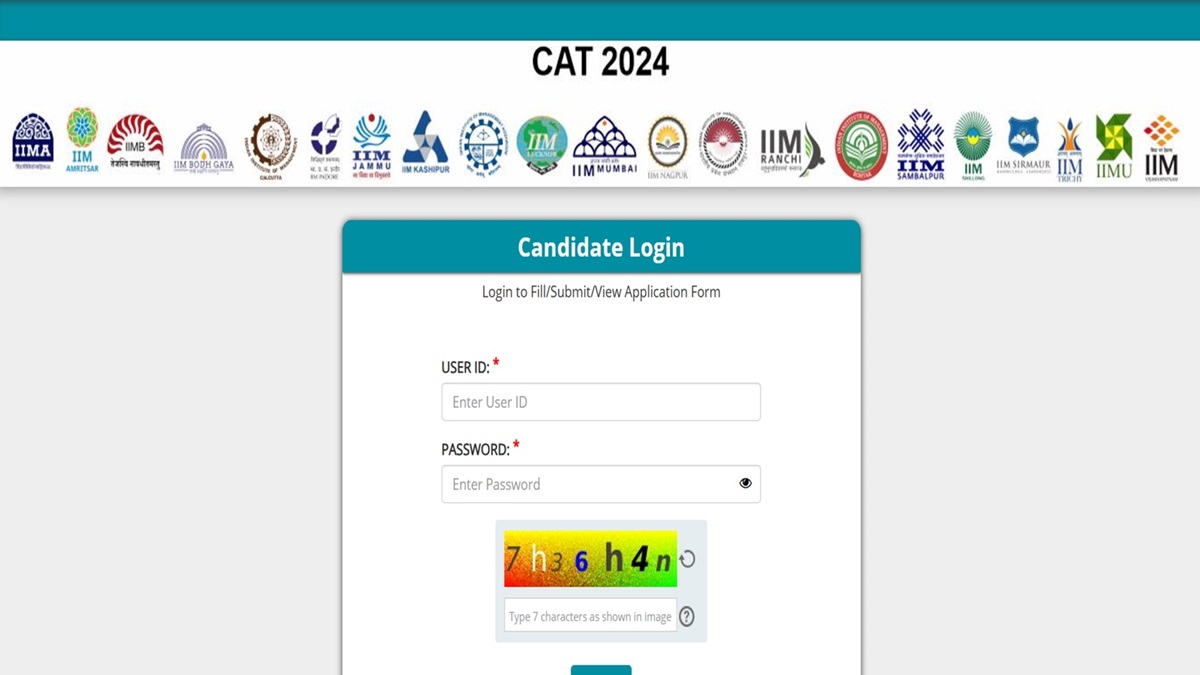
CAT Answer Key Objection Window 2024: Indian Institute of Management, Calcutta activated the CAT 2024 answer key objection window on December 3, 2024. According to the details provided, the link for students to submit objection on the CAT 2024 provisional answer key is available in the candidate login on the home page. Students who have appeared for the CAT 2024 exam conducted on 24 November 2024 can download the answer key PDF through the link available online and raise objections at iimat.ac.in.
Also Read: CAT 2024 Answer Key LIVE Updates
The CAT 2024 answer key was released on December 3, 2024. Along with the provisional answer key, the indivisual response sheets and series wise question papers were also made available on the candidate login window. To submit the objections students must login using their User ID and Password and click on the Objection Management link at-iimcat.ac.in. The window for students to raise objections will be available until tomorrow December 5, 2024, 11:55 PM.
CAT 2024 Provisional Answer Key - Click Here
CAT 2024 Answer Key Objection Window - Click Here
CAT 2024 Answer Key Objection Window - Schedule
Check below the schedule for students to submit the objections on CAT answer key
| Particulars | Date |
| CAT 2024 Provisional Answer Key | December 3, 2024 (OUT) |
| CAT 2024 Answer Key Objection | December 3, 2024 (6 PM) |
| Last date to submit applications | December 5, 2024 (11:55 PM) |
CAT 2024 Objection Window: How to Raise Challenges
The link for students to raise objections on the CAT 2024 provisional answer key is available on the official website. Follow the steps provided below to challenge the answer key.
Step 1: Visit the official website of CAT 2024
Step 2: Click on the CAT Candidate Login link
Step 3: Login using the ID and password
Step 4: Click on the Objection Management link
Step 5: Select the question and answer and click on the objection link
Step 6: Submit the objections along with the documents
Step 7: Save and Click on submit

Sherin is an education journalist with over 7 years of experience. Over her tenure of working with top media houses like Careers 360 and then Jagran Josh, Sherin has covered various entrance examinations liek JEE Main, NEET, CUET, GATE, etc. as well as various state board and CBSE results. Her understanding of the education ecosystem coupled with her own experience of teaching as an Assistant Professor of nearly 2 years helps her provide a comprehensive perspective to students. She has a Masters Degree in Communication from Madras Christian College. Apart from covering education news, Sherin also enjoys reading and cooking.



.webp)