WhatsApp Web Warning: How Your Account Can Be Misused on Office and Public Computers? Check Safety Tips
WhatsApp Web users alert: I4C has warned about the possible misuse of active WhatsApp Web sessions. Check how accounts can be accessed, potential risks and important safety measures.
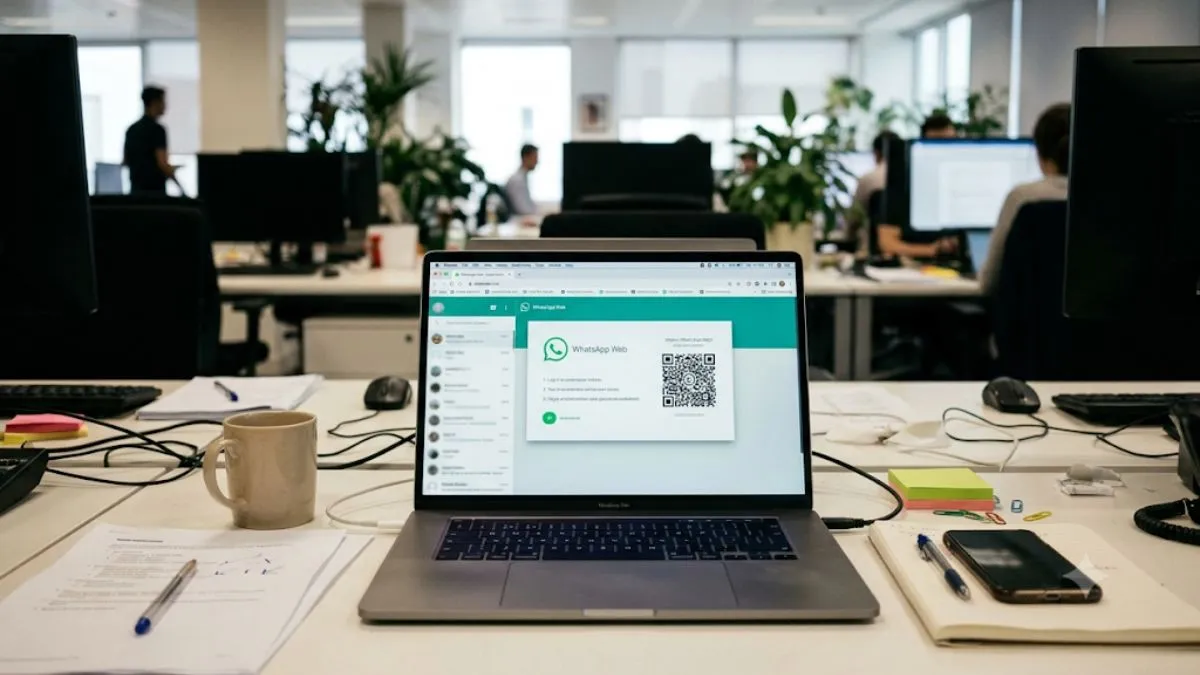
The National Cybercrime Threat Analytics Unit (NCTAU) of the Indian Cyber Crime Coordination Centre (I4C) has issued a warning about the potential misuse of authenticated WhatsApp Web sessions. As per NCTAU, there is a possibility of gaining unauthorized access to their accounts using an active WhatsApp Web session in certain cases.
This can lead to the reading of private messages, sending of messages pretending to be the users and also the access of their contacts and group conversations.
Users have been asked to be extra cautious while accessing the WhatsApp Web session from office computers, public computers, shared systems and any other device that can be accessed by others.
How Can Your WhatsApp Web Session Be Misused?
According to I4C, there is a possibility of unauthorized access to a user's WhatsApp account using an authenticated WhatsApp Web session.
After gaining access, they can read messages, send messages pretending to be the account holders and access contacts and group conversations.
Fraudsters can also misuse the authorized identity of the user for carrying out many phishing and social engineering activities.
How to Stay Safe While Using WhatsApp Web?
I4C has advised users to follow several precautionary measures while accessing WhatsApp Web, particularly on office and shared computers.
Here are some important safety tips:
-
Avoid using WhatsApp Web for sensitive work: Government, organisational, financial, confidential or other sensitive information should preferably not be shared through WhatsApp Web on computers.
-
Do not keep WhatsApp Web logged in: Avoid keeping an authenticated session active when it is not needed, especially on office or shared computers.
-
Log out after every session: Make it a habit to manually log out of WhatsApp Web once your work is complete. Simply closing the browser window or tab does not log you out.
-
Use Incognito or Private Browsing mode when necessary: If you need to access WhatsApp Web temporarily, use a trusted computer in Incognito or Private Browsing mode and manually log out before closing the browser.
-
Stay away from public or unknown computers: Avoid logging in to WhatsApp Web through cyber cafes, public kiosks, hotel business centres, borrowed computers or other untrusted systems.
-
Watch out for unusual account activity: Take note of unexpected messages sent from your account, unusual replies from contacts or any unexplained activity.
-
Keep your device secure: Regularly update your operating system, browser and security software. Avoid suspicious downloads, unknown files, cracked software and untrusted sources.
Source: i4c.mha.gov.in
Where to Report WhatsApp Cyber Fraud?
You can use the following options to report such cases:
-
National Cyber Crime Helpline: Call 1930 to report cyber fraud.
-
National Cyber Crime Reporting Portal: Visit www.cybercrime.gov.in to report suspicious communications and cybercrime incidents.
-
I4C SMS alerts: Keep a watch on messages received from the official SMS header 'I4CMHA-G' and follow the advice provided.
Also READ: WhatsApp, Telegram New Rules From January 1, 2027: What Users Need to Know

Varun Verma is an education and sports journalist with over three years of experience in journalism, with a strong focus on cricket . He has previously worked with SportsYaari and CricketTimes.com, where he developed a strong news sense and a knack for storytelling while covering breaking news and major sporting events.
He holds a PG Diploma in English Journalism from the Indian Institute of Mass Communication (IIMC), New Delhi. Beyond sports, his interests include geopolitics, Indian polity and government policies. Inspired by the grit and passion of Ben Stokes, he strives to bring the same depth in his life.
For inquiries or professional insights, you can reach him directly at varun.verma@jagrannewmedia.com