



JEECUP Result 2020 Declared: The exam conducting body has released the JEECUP 2020 result for the state-level polytechnic entrance exam. The Joint Entrance Exam Council, Uttar Pradesh – which conducts UP Polytechnic Entrance Exam 2020 has declared the result of JEECUP 2020 online. Candidates who appeared for the UPJEE 2020 Exam can now check their UP Polytechnic result online via the official exam portal i.e. jeecup.nic.in. Keeping the convenience of the candidates in mind, a direct link to check and access JEECUP 2020 result has also been provided below.
Check JEECUP Result 2020 (Group A) – Direct Link (Available Now)
Check JEECUP Result 2020 (Group B to K) – Direct Link (Available Now)
Check JEECUP Result 2020 (Group E1, E2 - Pharmacy) – Direct Link (Available Now)
Counselling Details to be Released on 30th Sept
After the declaration of UPJEE Result 2020 today evening; candidates will then have to appear for the counselling and seat allotment rounds. According to the official notice available on the website jeecup.nic.in; the details about JEECUP Counselling 2020 will be announced by the exam authority on 30th Sept 2020. Candidates must note that only those aspirants who have cleared the exam and scored above the minimum qualifying marks will be called participate in JEECUP Counselling 2020. Before counselling process, candidates will need to first register and do choice filling for branches and institutes. Seats will be allotted to them according to the rank secured by them and the choices listed by them in counselling registration process.
How to check JEECUP Result 2020 online?
To ensure easy availability of the JEECUP Result 2020 for UP Polytechnic Entrance Exam 2020, the exam authority will be publishing it online on the official exam portal. With lakhs of candidates trying to check their UPJEE Result 2020 online at the same time, the official website may not function properly. To avoid facing any technical problems, candidates can follow the simple step-wise process listed below:
- Step 1: Visit official website i.e. jeecup.nic.in
- Step 2: Find and Click on Link for UPJEE Result 2020
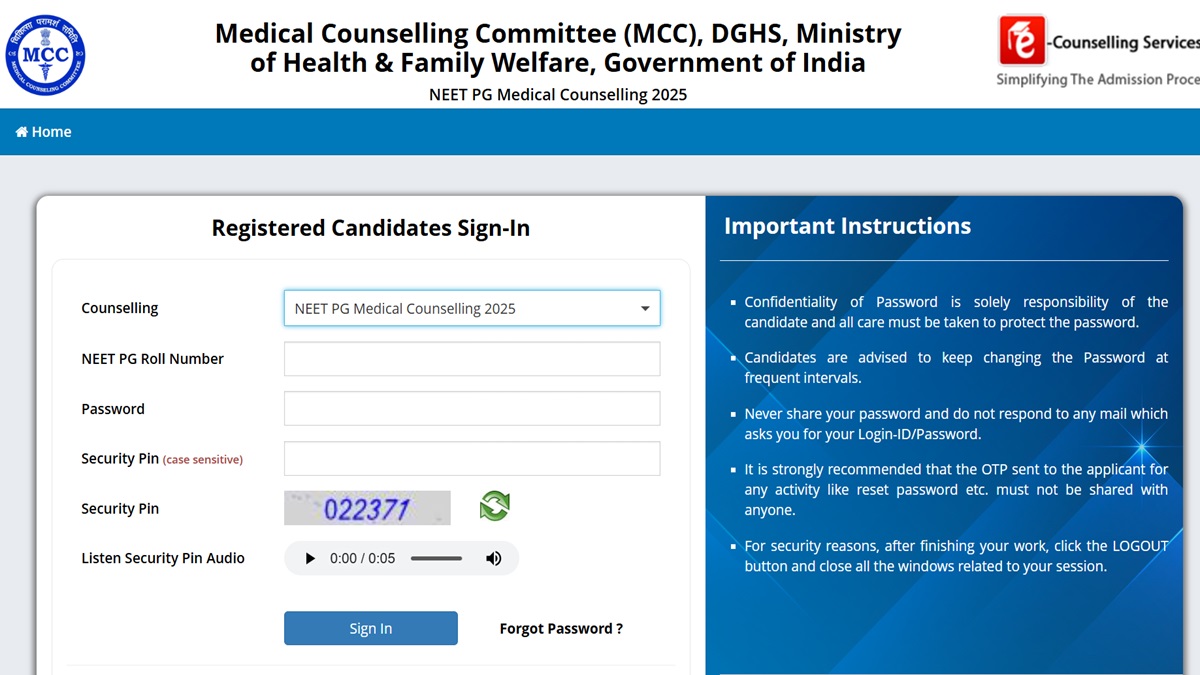
- Step 3: You will be redirected to login page with multiple input fields
- Step 4: Enter the details asked on the website
- Step 5: Verify those details and submit them
- Step 6: Your JEECUP Result Scorecard will be displayed on the screen
- Step 7: Download the scorecard and take printout for future reference


Comments
All Comments (0)
Join the conversation