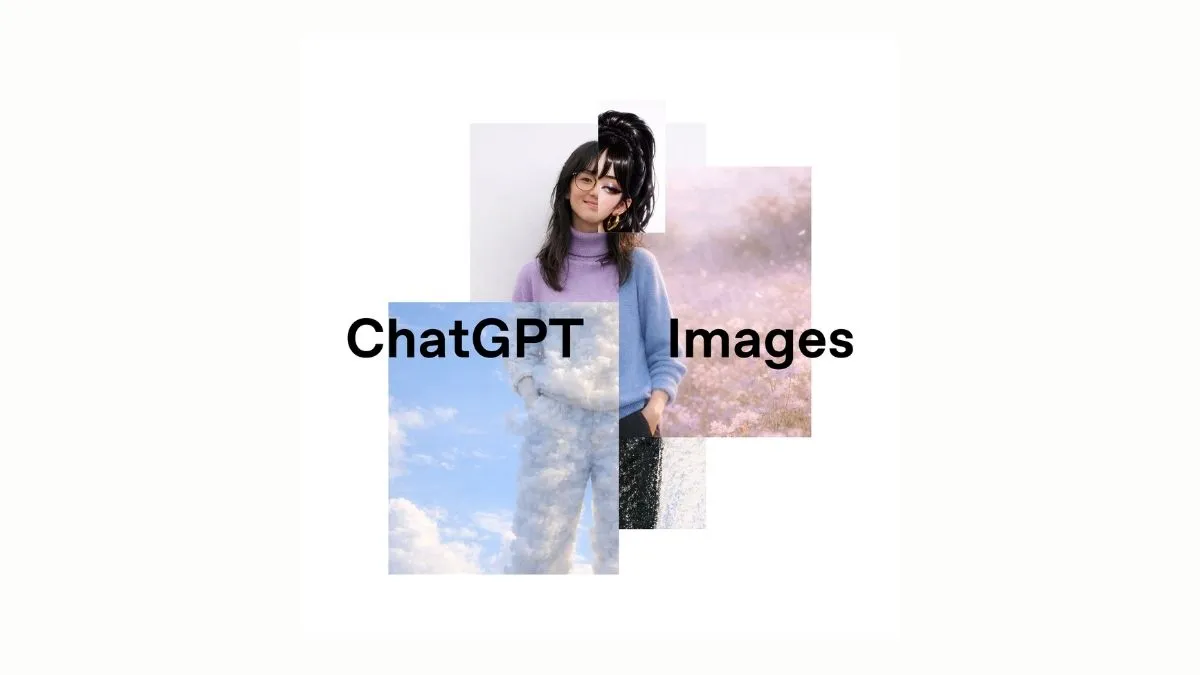
ChatGPT Images: OpenAI has taken another major step in improving ChatGPT by upgrading its image generation feature with the launch of GPT Image 1.5. This update focuses on making image creation faster, smarter, and more accurate for everyday users as well as professionals. Over the past few years, artificial intelligence tools have moved beyond text and entered the world of visuals, helping people create images for education, marketing, design, and personal use. However, many users often faced issues such as slow generation, lack of clarity, or difficulty in making small but important edits.
With GPT Image 1.5, OpenAI aims to solve these problems. The new version allows users to edit images in a more detailed manner while keeping the original quality intact. Simple instructions can now produce better results, whether it is changing facial expressions, adjusting lighting, or switching art styles. OpenAI has also redesigned the image workspace to make the process easier and more user-friendly. This update strengthens ChatGPT’s position as an all-in-one platform for text, images, voice, and creative tasks.
READ | OpenAI Introduces ChatGPT-5.2: Check the Key Features, Updates, and How to Use
What Is GPT Image 1.5?
GPT Image 1.5 is the latest image generation and editing model integrated into ChatGPT. It is designed to understand instructions more clearly and deliver results with higher accuracy. Compared to earlier versions, it works faster and can handle complex requests such as multiple faces in one image, detailed text, and consistent colours across edits.
Users can upload an image and ask ChatGPT to modify specific elements without changing the overall structure. This makes it useful for both simple edits and advanced creative work.
Key Features of GPT Image 1.5
Faster Image Generation: Images are created more quickly, saving time for users.
Better Editing Control: Users can make small, precise changes like adjusting expressions, lighting, or background elements.
Improved Instruction Following: The tool understands detailed prompts more accurately.
Style Transformation: Images can be converted into different styles, such as realistic, sketch, or watercolour.
Text and Detail Handling: The model can clearly render text within images and manage complex scenes.
Consistent Results: Colours, composition, and important details remain stable across multiple edits.
How to Use GPT Image 1.5 in ChatGPT
Using GPT Image 1.5 is simple and does not require technical knowledge. Follow these steps:
1. Open ChatGPT: Log in to your ChatGPT account.
2. Go to the Images Section: Use the dedicated Images workspace available in the sidebar.
3. Generate an Image: Type a clear description of the image you want and submit it.
4. Upload an Image (Optional): If you want to edit an existing image, upload it directly.
5. Give Editing Instructions: Ask ChatGPT to make specific changes, such as altering colours, styles, or objects.
6. Review and Refine: You can request further changes until the image matches your requirement.
Who Can Use GPT Image 1.5?
GPT Image 1.5 is currently available to individual ChatGPT users worldwide. OpenAI has announced that access for business and enterprise users will be provided soon. This makes the tool suitable for students, content creators, designers, marketers, and small businesses.
The launch of GPT Image 1.5 highlights OpenAI’s effort to make ChatGPT a complete creative platform.
Recommended Reading:
What is Instagram's Newly Launched 'Your Algorithm' Feature? Here's How It Works!


Comments
All Comments (0)
Join the conversation