

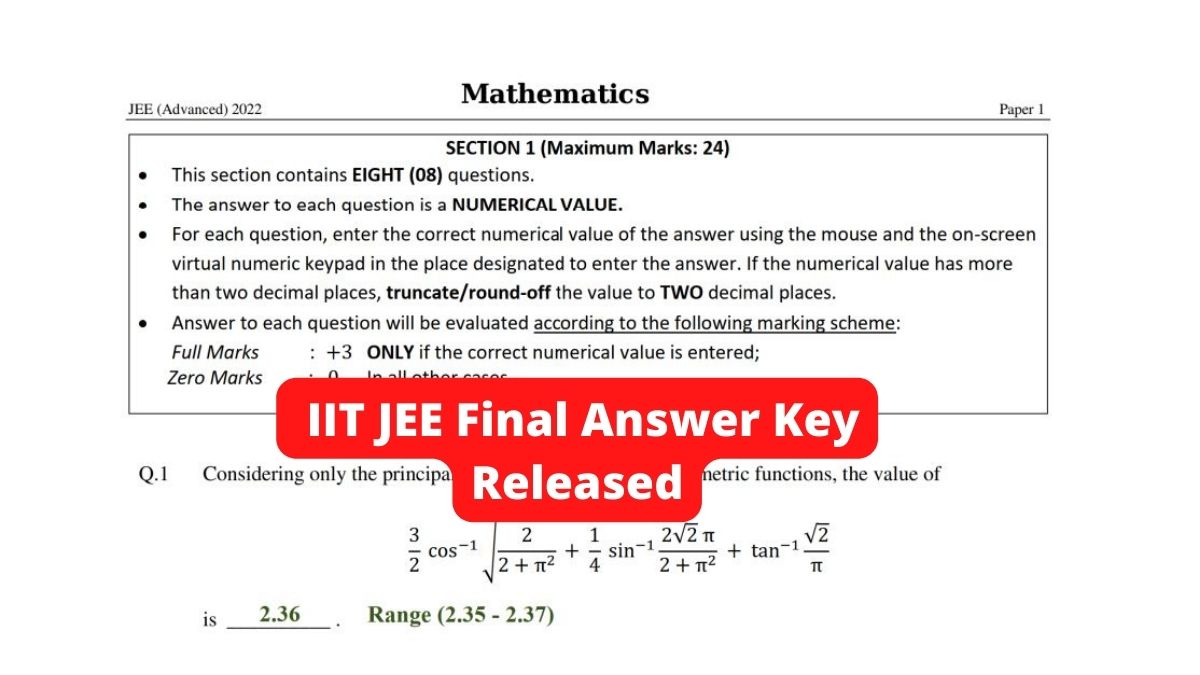
JEE Advanced Result 2022 (OUT): The Indian Institutes of Technology (IIT) Bombay has released the final answer key for the JEE Advanced 2022 today on 11th September. Candidates can download JEE Advanced 2022 final answer key from the official website - jeeadv.ac.in. Also, they do not need login credentials to download the JEE Advanced answer key.
Along with the release of JEE Advanced final answer key 2022, result and merit list has also been announced in online mode. Earlier, the provisional answer key was released on 3rd September. The objection window was closed on 4th September 2022. JEE Advanced 2022 was held on August 28 and as many as 1.56 lakh candidates appeared for the engineering entrance exam this year.
JEE Advanced Final Answer Key 2022 - Direct Link (Available Now)
How To Download JEE Advanced Final Answer Key 2022?
The IIT Bombay JEE Advanced exam answer key 2022 has been released in pdf format. To access the final answer key of JEE Advanced 2022, candidates will have to go to the official website - jeeadv.ac.in. On the homepage, they need to click on - "the final answer keys for JEE (Advanced) 2022, click here." A new PDF file will appear on the screen. Candidates can go through the same and download it for further reference. The final answer key will have all the correct answers to the questions asked in the exam.
Also Read: JEE Advanced Cutoff Released 2022, Check Qualifying Marks, 40,712 Candidates Pass
JEE Advanced Result 2022
The Joint Entrance Examination (JEE Advanced 2022) result has been announced in online mode. The JEE Advanced 2022 result is available on the official website - jeeadv.ac.in, the candidates can download the scorecard using log-in credentials- roll number, date of birth.
A total of 1,55,538 candidates appeared in both papers 1 and 2 in JEE (Advanced) 2022. Out of the appeared candidates, a total of 40,712 candidates have qualified JEE Advanced 2022 with 34,196 male and 6516 female candidates.
Also Read: JEE Advanced Result 2022 (Declared): Check IIT JEE Result at jeeadv.ac.in, Know How To Download



Comments
All Comments (0)
Join the conversation